Fish Shell Functions & Custom Commands Guide
How to create, edit, save, and autoload functions in Fish Shell. Covers event handlers, argument parsing, scope, and practical examples.
Dragos

Page 5 of 17 - 163 posts in this category
How to create, edit, save, and autoload functions in Fish Shell. Covers event handlers, argument parsing, scope, and practical examples.
Fish Shell has both abbreviations and aliases. This guide explains how each works, when to use which, and why abbreviations are usually the better choice.
How Fish Shell's autosuggestions and tab completions work, how to configure them, and how to write your own custom completions.
A guide to the most useful Fish Shell plugins, plugin managers, and tools including Fisher, Tide, fzf.fish, and other extensions worth installing.
How Fish Shell handles command history including searching, deleting, merging across sessions, the history file, and tips for keeping a clean history.
How to install and configure Fish Shell on macOS with Homebrew, set it as default, configure iTerm2 or Ghostty, and set up essential tools.
A step-by-step guide to installing and configuring Starship prompt in Fish Shell, with preset themes, custom modules, and Nerd Font setup.
A practical comparison of Fish Shell and Zsh for daily terminal use, covering autocompletion, plugins, scripting, configuration, and which shell fits your workflow.
Install and configure nvm.fish to manage multiple Node.js versions in Fish Shell. Covers installation, switching versions, .nvmrc support, and default versions.
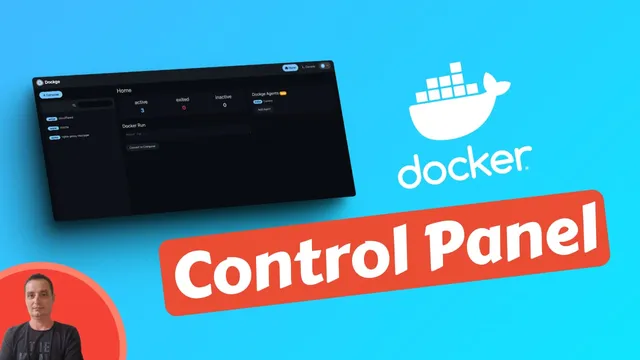
How to install Dockge with Docker Compose. A lightweight web UI for managing docker-compose stacks, with multi-agent support, interactive editor, and web terminal.