Pi Coding Agent Setup Guide: Install, Configure Models, and Best Extensions
Complete guide to installing Pi coding agent, connecting cheap models via OpenCode Go or OpenRouter, and setting up the best extensions for memory, web…

Updated Published 11 min read
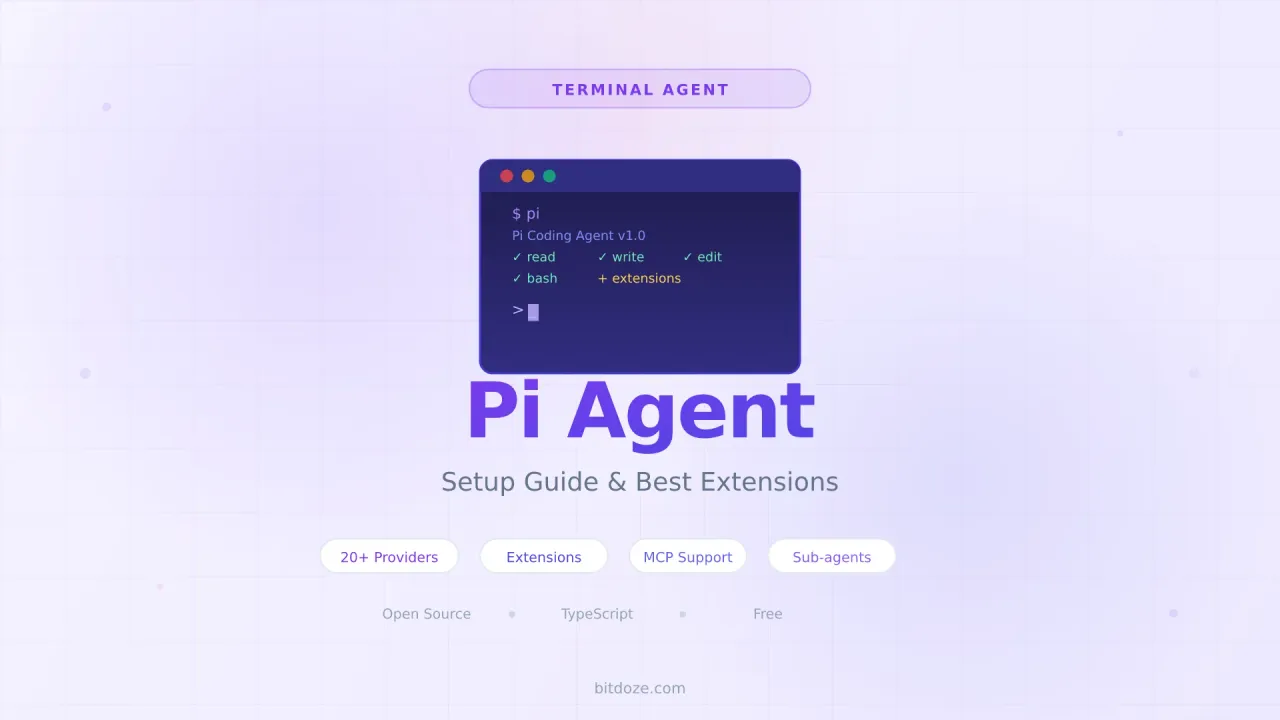
I have been running OpenCode and Hermes Agent for a while now, but Pi kept coming up in conversations. People on Reddit and Hacker News kept calling it “the minimal one that does not get in your way.” After two weeks of daily use, I see why. Pi is a terminal coding agent built by Mario Zechner that stays small at the core. You install it, point it at a project, and start working. Everything else — memory, MCP support, sub-agents, themes, skills — gets added through extensions you actually choose.
That minimalism is the point. Where OpenCode ships with a TUI, plan mode, and image support out of the box, Pi gives you a clean slate and a TypeScript extension system. You build the agent you want instead of disabling the features you do not need.
Below you will find installation steps, model configuration with cheap providers, the extensions I actually use, and how to skip the research phase with LazyPi.
What this covers
- Installing Pi on Linux, macOS, and via npm
- Connecting to cheap models via OpenCode Go or OpenRouter
- Adding TinyFish for free web search and page fetching
- The extensions that actually matter
- LazyPi: one-command setup with 60+ skills and 76 themes
If you are still deciding between coding agents, our OpenCode setup guide covers the open-source Claude Code alternative, and the GitHub Copilot alternatives article breaks down what to do after the June 1 pricing change.
What Pi actually is
Pi is a terminal coding agent that reads your codebase, plans changes, edits files, runs shell commands, and iterates on failures. The default installation gives you four tools: read, write, edit, and bash. You add everything else through extensions.
The extension system is TypeScript. You drop a .ts file into ~/.pi/agent/extensions/ and Pi loads it. Extensions can register tools, intercept commands, add slash commands, and modify the system prompt. Hot-reload with /reload without restarting.
Installing Pi
One-line installer
curl -fsSL https://pi.dev/install.sh | shnpm
npm install -g @mariozechner/pi-coding-agentThen run it in a project directory:
cd /path/to/project
pi
Pi needs Node.js 18+. If you do not have Node, install it first:
curl -o- https://raw.githubusercontent.com/nvm-sh/nvm/v0.40.3/install.sh | bash
source ~/.bashrc
nvm install 22
Authenticate
Use /login in Pi to set up your provider:
pi
/login
# Select your provider
Or set API keys directly:
export OPENCODE_API_KEY=your-key
pi
You can also store keys in ~/.pi/agent/auth.json.
Configuring models
Pi supports 20+ built-in providers. Set the key and Pi auto-discovers all models:
export OPENROUTER_API_KEY=sk-or-...
pi
# /model shows all 200+ OpenRouter models
Use /model or Ctrl+L to pick a model. Use Shift+Tab to cycle thinking level.
Best cheap models for Pi
| Model | Why | Cost |
|---|---|---|
| MiniMax M2.7 | Cheapest, good for everyday edits | $0.30/M input |
| Qwen 3.6 Plus | Best front-end and “vibe coding” | $0.33/M input |
| DeepSeek V4 Pro | 1M context, lowest hallucination | $0.435/M input |
| GLM 5.2 | Strongest coding accuracy | $1.40/M input |
| Kimi K2.6 | Agent swarm for complex tasks | $0.75/M input |
For a full breakdown, see the best cheap models for coding agents guide.
Custom models with models.json
For Ollama or any OpenAI-compatible API, create ~/.pi/agent/models.json:
{
  "providers": {
    "ollama": {
      "baseUrl": "http://localhost:11434/v1",
      "api": "openai-completions",
      "apiKey": "ollama",
      "models": [
        { "id": "llama3.1:8b" },
        { "id": "qwen2.5-coder:7b" }
      ]
    }
  }
}
Using OpenCode Go with Pi
OpenCode Go is a $10/month subscription that bundles 16 models (Grok 4.5, Kimi K3, GLM-5.2, and more). Pi supports it as a built-in provider — full details in the OpenCode Go review:
export OPENCODE_API_KEY=your-opencode-go-key
pi
# /model, select opencode-go provider
For a detailed look at limits and benchmarks, see the OpenCode Go guide.
Get $5 Free Credits for OpenCode GoProject instructions with AGENTS.md
Create an AGENTS.md file in your project root:
# Project Instructions

- Run `npm run check` after code changes.
- Do not run production migrations locally.
- Use the existing error handling pattern in src/errors/.
Pi loads ~/.pi/agent/AGENTS.md for global instructions and AGENTS.md from the current directory. Run /reload after changes.
APPEND_SYSTEM.md for global rules
For rules that apply across every project, use ~/.pi/agent/APPEND_SYSTEM.md:
- Read local files first before searching online.
- Research via TinyFish when the codebase does not have the answer.
- Explain risky edits before executing.
- Write simply. No AI-slop language.
Extensions worth installing
Extensions are where Pi becomes more than a basic agent.
Must-have extensions
pi-tinyfish — Free web search and page fetching. The agent looks up docs, checks Stack Overflow, or fetches API references without leaving the terminal. Get your free API key here.
pi-hermes-memory — Persistent memory across sessions. The agent remembers project conventions, your preferences, and past decisions. Without this, Pi starts fresh every time.
pi-mcp-adapter — Connects Pi to any MCP-compatible tool server. GitHub, Playwright, Brave Search, Postgres — any MCP server works.
pi-subagents — Run isolated sub-agents for parallel work. When a task has independent parts, sub-agents tackle them simultaneously.
Nice-to-have extensions
pi-powerbar — Status line showing model name, token usage, and context status.
pi-vision-proxy — Fixes vision for models without image support (like DeepSeek). Proxies images to Kimi K2.6 or another vision model.
pi-plan — Read-only planning mode with approval-based execution.
pi-simplify — Reviews recently changed code for clarity and consistency.
Installing extensions
# Single-file extension
cp extension.ts ~/.pi/agent/extensions/

# Directory extension
cp -r pi-memory-md ~/.pi/agent/extensions/
cd ~/.pi/agent/extensions/pi-memory-md
npm install
Then restart Pi or run /reload.
My Pi setup
Here is the setup I run on every machine:
pi install npm:pi-tinyfish
pi install npm:pi-hermes-memory
pi install npm:@juanibiapina/pi-powerbar
pi install npm:pi-mcp-adapter
pi install npm:pi-subagents
pi-tinyfish — Free web search and page fetching. Get your free API key.
pi-hermes-memory — Persistent memory across sessions.
@juanibiapina/pi-powerbar — Status line with model name and token usage.
pi-mcp-adapter — Connect to any MCP tool server.
pi-subagents — Parallel sub-agents for complex tasks.
Using OpenCode Go
Instead of managing separate API keys, I use OpenCode Go. $10/month, 16 models, one key:
export OPENCODE_API_KEY=your-opencode-go-key
pi
# /model, select opencode-go providerLazyPi: one command, everything configured
If you do not want to pick individual extensions, LazyPi does it for you:
npx @robzolkos/lazypiThis installs Pi if you do not have it, then adds 60+ skills, 76 themes, MCP support, sub-agents, persistent memory, and more. You can install everything at once or use the interactive picker.
LazyPi tip
LazyPi is a quick start, not a permanent dependency. Everything it installs lives in your ~/.pi/agent/ directory and works independently.
Community config: pi-config
The pi-config repository has curated extensions and skills. Browse and copy what you need:
# Copy an extension
cp extensions/bash-guard.ts ~/.pi/agent/extensions/

# Copy a skill
cp -r skills/reddit ~/.pi/agent/skills/
Notable extensions: bash-guard (blocks dangerous commands), stop-slop (prevents low-quality filler), web-fetch (fetch web pages).
pi_agent_rust: the Rust port
If you want a single binary with faster startup, there is pi_agent_rust — 823 GitHub stars, 12ms startup, under 8MB.
curl -fsSL https://raw.githubusercontent.com/Dicklesworthstone/pi_agent_rust/main/install.sh | bashBoth versions read the same config files, so you can switch between them.
Pi vs OpenCode vs Claude Code
| Feature | Pi | OpenCode | Claude Code |
|---|---|---|---|
| Default tools | 4 | Full set | Full set |
| Extension system | TypeScript | Config + rules | MCP + hooks |
| Model choice | 20+ built-in + custom | 75+ providers | Anthropic only |
| Plan mode | Via extension | Built-in | No |
| Memory | Via extension | No | No |
| MCP support | Via extension | Built-in | Built-in |
| Sub-agents | Via extension | No | No |
| Pricing | Free (pay API) | Free (pay API) | $20/month + API |
Pi starts smaller but grows through extensions. If you want to build your own agent workflow from parts, Pi is the better foundation. If you want everything working out of the box, OpenCode gets you there faster.
Daily workflow tips
Switching models: /model or Ctrl+L. Cycle thinking level with Shift+Tab.
Referencing files: Type @ to fuzzy-search, or pass on command line: pi @README.md "Summarize this"
Running commands: Prefix with ! to send output to the model. Use !! to run without adding to context.
Sessions: pi -c continues last session. pi -r browses previous sessions. Inside Pi: /resume, /new, /tree, /fork.
Steering: While Pi works, press Enter to interrupt with a new message. Alt+Enter queues a follow-up.
Context: /compact summarizes old messages. /tree shows conversation history.
Non-interactive: pi -p "Summarize this codebase" for one-shot prompts.
Running Pi on a VPS
tmux new -s pi
cd /path/to/project
pi
# Detach: Ctrl+B, D
# Reattach: tmux attach -t pi
FAQ
Is Pi free?
The agent is free and open source. You pay for LLM API usage. With cheap models like MiniMax M2.7 at $0.30/M input tokens, a month of coding costs $3-10. The OpenCode Go subscription bundles 16 models for $10/month.
Can I use Pi with Ollama?
Yes. Add your Ollama instance to ~/.pi/agent/models.json. See our Ollama Docker guide for setup.
What is LazyPi?
LazyPi (npx @robzolkos/lazypi) adds 60+ skills, 76 themes, MCP support, sub-agents, and persistent memory in one command. Everything it installs works independently.
Can I use Pi alongside other agents?
Yes. Pi is for coding tasks. Hermes Agent handles broader tasks like web searches and server management. They do not conflict.
Related articles
- Top AI GitHub repos — curated catalog: Pi, OpenCode, OpenClaw, Hermes, skills, gateways
- OpenCode vs Pi Agent — side-by-side comparison
- TinyFish: Free Web Search for AI Coding Agents — detailed TinyFish setup guide
- Free Web Search for Coding Agents — focused setup guide
- OpenCode Go: 12 AI Models for $10/Month — cheap models for your agent
- Hermes Agent setup guide — install and configure Hermes
- OpenCode setup guide — install and configure OpenCode
- Best cheap models for coding agents — model pricing and benchmarks