How to Use the Codex App with Any Model: GLM 5.2, MiniMax M3, MiMo V2.5 Pro, OpenCode Go
The Codex app works with more than OpenAI models. Point it at GLM 5.2, MiniMax M3, MiMo V2.5 Pro, or OpenCode Go with a few lines of config.toml and keep…

8 min read
The Codex app is the best coding agent interface I have used so far. Worktrees, automations, the in-app browser, the review flow. Nothing else I run feels this polished. The problem is what happens on Thursday afternoon when my ChatGPT plan hits its weekly limit and the app politely tells me to wait until Monday.
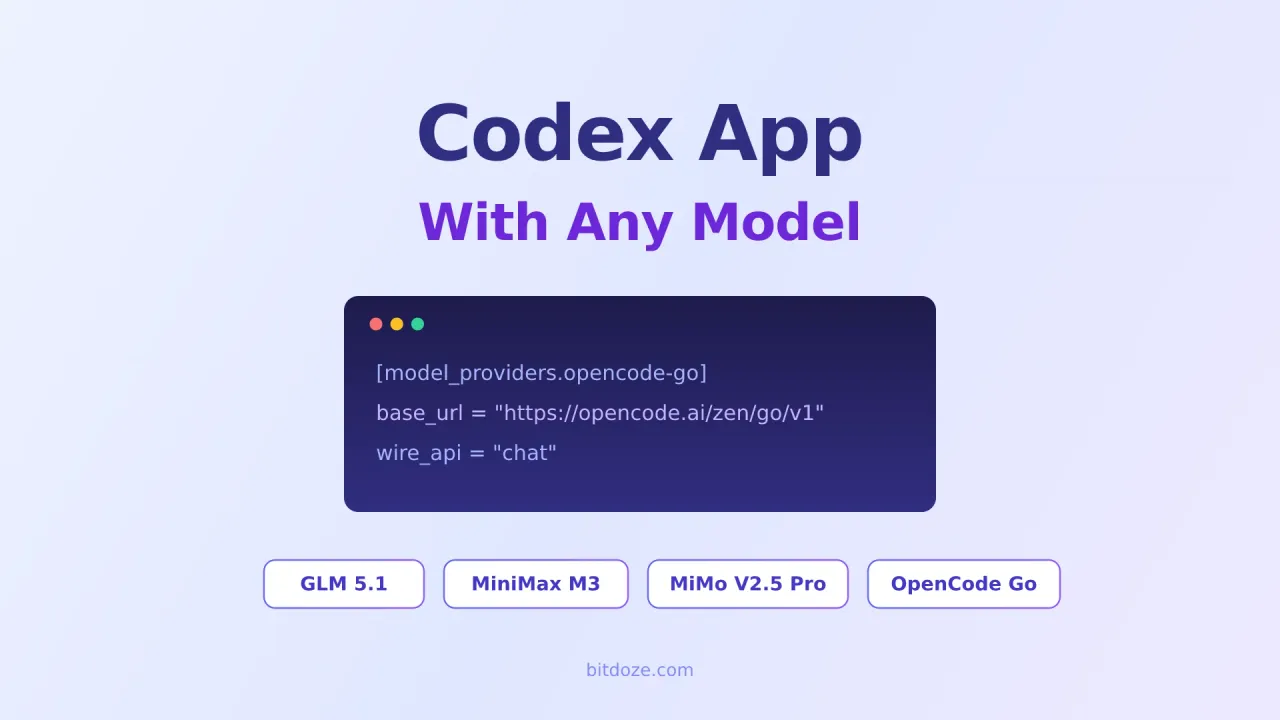
Here is the part most people miss: Codex does not care where the model comes from. The app and the CLI read the same ~/.codex/config.toml, and that file lets you define custom model providers. Any OpenAI-compatible endpoint works. So when my OpenAI quota runs dry, I switch to GLM 5.2, MiniMax M3, MiMo V2.5 Pro, or my OpenCode Go subscription and keep working in the same app.
This guide covers the exact configs for all four. Copy, paste your API key, done.
How Codex talks to other models
Codex stores its configuration in ~/.codex/config.toml. The advanced config docs describe a model_providers table where you define extra endpoints:
model = "some-model"
model_provider = "my-provider"

[model_providers.my-provider]
name = "My Provider"
base_url = "https://api.example.com/v1"
env_key = "MY_API_KEY"
wire_api = "chat"
Three things to know before you start:
wire_api = "chat"tells Codex to use the standard Chat Completions format. All four providers below are OpenAI-compatible, so this is what you want.env_keypoints at an environment variable, not the key itself. Your API key stays out of the config file.- You cannot name a custom provider
openai,ollama, orlmstudio. Those IDs are reserved for the built-in providers.
The Codex app picks up whatever default model and model_provider you set in config.toml. The CLI does too, plus it supports profiles for fast switching (more on that below).
One config quirk
model_verbosity and reasoning summaries only work with the Responses API. Providers using wire_api = "chat" ignore those settings. Everything else, including approvals, sandboxing, and MCP servers, works the same regardless of provider.
Option 1: OpenCode Go (16 models, one key)
This is the setup I use most. OpenCode Go is a $10/month subscription that bundles 16 models behind one OpenAI-compatible endpoint: Grok 4.5, Kimi K3, DeepSeek V4, Qwen 3.7, GLM-5.2, MiniMax, MiMo, and more. Instead of juggling four provider accounts, you get one key that covers all of them.
Get $5 in Free CreditsAdd this to ~/.codex/config.toml:
model = "glm-5.1"
model_provider = "opencode-go"

[model_providers.opencode-go]
name = "OpenCode Go"
base_url = "https://opencode.ai/zen/go/v1"
env_key = "OPENCODE_API_KEY"
wire_api = "chat"
Then export your key:
export OPENCODE_API_KEY="your-go-key"Swap model for any model in the Go lineup: minimax-m3, mimo-v2.5-pro, deepseek-v4-pro, qwen-3.6-plus, and so on. The full model list and usage limits are in my OpenCode Go review.
If you only set up one provider from this article, make it this one. One key, 16 models, and the limits reset every 5 hours.
Option 2: GLM 5.2 (strongest coder)
GLM 5.2 is Z.AI’s latest flagship and the strongest open source coding model right now. It scores 62.1% on SWE-Bench Pro and 81.0% on Terminal-Bench 2.1, within 4 points of Claude Opus 4.8. It supports 1M token context and effort level control. I covered it in depth in the open source Claude alternatives roundup.
Z.AI sells a GLM Coding Plan starting at $18/month, and the coding endpoint is OpenAI-compatible:
model = "glm-5.1"
model_provider = "zai"

[model_providers.zai]
name = "Z.AI GLM"
base_url = "https://api.z.ai/api/coding/paas/v4"
env_key = "ZAI_API_KEY"
wire_api = "chat"export ZAI_API_KEY="your-zai-key"GLM discount
Sign up through go.bitdoze.com/glm for 10% off the GLM Coding Plans.
Option 3: MiniMax M3 (cheapest to run)
MiniMax M3 is the newest release in the MiniMax line, and like the M2.7 before it, the pitch is price. This is the model I point Codex at for long refactoring sessions where token count matters more than squeezing out the last benchmark point. MiniMax also offers a Token Plan subscription with discounted rates, which pairs well with always-on agent work.
model = "MiniMax-M3"
model_provider = "minimax"

[model_providers.minimax]
name = "MiniMax"
base_url = "https://api.minimax.io/v1"
env_key = "MINIMAX_API_KEY"
wire_api = "chat"export MINIMAX_API_KEY="your-minimax-key"If you are outside the international region and use the mainland China endpoint, swap the base URL for https://api.minimaxi.com/v1.
Option 4: MiMo V2.5 Pro (best for long agent runs)
MiMo V2.5 Pro is Xiaomi’s flagship, built for agent workloads with hundreds of tool calls per session and a 1M token context window. In internal testing it built a full SysY compiler in Rust over 4.3 hours and 672 tool calls. It is the model I reach for when I hand Codex a task and walk away for the afternoon.
model = "mimo-v2.5-pro"
model_provider = "mimo"

[model_providers.mimo]
name = "Xiaomi MiMo"
base_url = "https://api.xiaomimimo.com/v1"
env_key = "MIMO_API_KEY"
wire_api = "chat"export MIMO_API_KEY="your-mimo-key"MiMo bonus
Sign up through go.bitdoze.com/mimo and get a $2 bonus credit on the MiMo Token Plan. The Lite tier starts at $72/year, and off-peak hours (16:00-24:00 UTC) get an extra 20% discount.
Switching between providers without editing config.toml
You can keep all four providers in one config.toml and only change the two top-level lines (model and model_provider) when you want to switch. That works, but it gets old fast.
Two better options:
CLI flags
Override the provider for a single run:
codex --config model_provider='"zai"' --config model='"glm-5.1"'Good for quick tests, too verbose for daily use.
Profiles
Create one profile file per provider. For example ~/.codex/glm.config.toml:
model = "glm-5.1"
model_provider = "zai"
And ~/.codex/minimax.config.toml:
model = "MiniMax-M3"
model_provider = "minimax"
Then launch with:
codex --profile glm
codex --profile minimax
The profile file overlays your base config, so the [model_providers] tables you already defined stay available. Note that since Codex 0.134.0, profiles live in separate files, not under [profiles.name] in the main config.
My setup: OpenCode Go is the default in config.toml, and I keep a glm profile for the days I want GLM 5.2 through Z.AI directly with the bigger coding plan limits.
What still needs your OpenAI account
Custom providers cover local work: the app, the CLI, the IDE extension, file edits, terminal commands, MCP servers. Some pieces stay tied to OpenAI auth:
- Codex cloud tasks and the web environment run on OpenAI infrastructure with your ChatGPT login
- The GitHub integration for cloud-delegated work expects an OpenAI-backed account
- Reasoning summaries and
model_verbosityneed the Responses API, which these chat-based providers do not use
In practice this has not bothered me. I use the app locally, and local is exactly where custom providers work.
Which one should you pick?
| Provider | Cost | Best for |
|---|---|---|
| OpenCode Go | $10/month | One key, 16 models, easiest start |
| GLM 5.2 | from $18/month | Strongest coding, long autonomous tasks |
| MiniMax M3 | Token Plan | Cheapest daily driver, high-volume work |
| MiMo V2.5 Pro | from $72/year | 1M context, marathon agent sessions |
If you want the longer comparison with benchmarks and per-token pricing, the best open source LLMs roundup covers GLM 5.2, MiniMax, MiMo, and three others side by side.
Does this work with the Codex app or just the CLI?
Both. The app, the CLI, and the IDE extension all read the same ~/.codex/config.toml. Set model and model_provider there and the app uses your custom provider. Profiles (--profile) are a CLI feature, so for the app you set the default in the main config.
Will my ChatGPT subscription still work after adding custom providers?
Yes. Adding [model_providers] entries does not touch your OpenAI login. Switch back anytime by setting model_provider to the built-in default or removing the line.
Can I put these providers in a project .codex/config.toml?
No. Codex ignores model_provider and model_providers in project-local config files for security reasons. Provider definitions belong in your user-level ~/.codex/config.toml.
Is one OpenCode Go key enough, or do I need direct provider accounts?
Go covers GLM 5.2, MiniMax, and MiMo models under its $12/5-hour usage cap, which I have rarely hit. Direct accounts make sense when you want the bigger limits of a dedicated coding plan, like GLM’s $18/month tier for heavy GLM 5.2 use.
Wrapping up
The Codex app stopped being an OpenAI-only tool the moment custom providers landed in config.toml. Ten lines of TOML and an API key get you GLM 5.2, MiniMax M3, MiMo V2.5 Pro, or all 12 OpenCode Go models inside the same interface you already use. My ChatGPT plan still does the heavy thinking early in the week. After that, the open source models take over, and honestly, for most coding tasks I cannot tell the difference.
Related articles
- OpenCode Go: 12 AI Coding Models for $10/Month — the subscription I use as my Codex fallback
- Best Open Source LLMs to Replace Opus 4.7 or GPT-5.5 — benchmarks and pricing for GLM 5.2, MiniMax, MiMo, and more
- Best Cheap Models for AI Coding Agents — per-token pricing breakdown
- GitHub Copilot Alternatives After the June 2026 Pricing Change — more ways to cut AI coding costs