Best Home Assistant Hardware (2026): Green vs Mini PC vs Raspberry Pi 5
The best Home Assistant hardware in 2026: an N150 mini PC like the Beelink EQ14 for most people, Green for the easy start, Pi 5 only if you own one.

9 min read
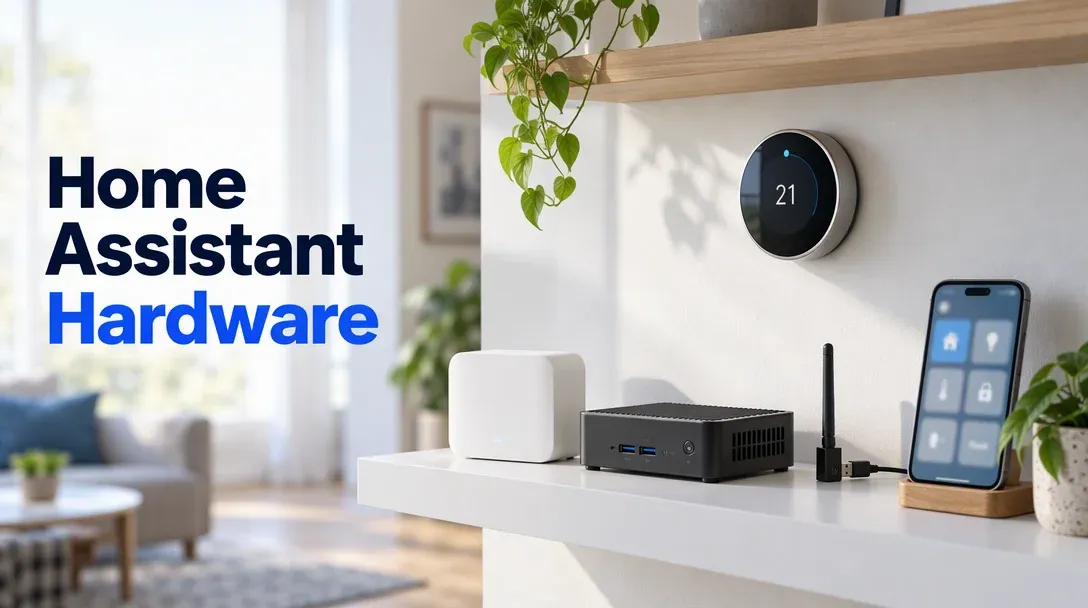
For most people the answer is an N150 mini PC like the Beelink EQ14 at $369: it runs HAOS bare metal or a Proxmox VM, handles Frigate through its iGPU, and costs less than $15 a year to leave on. Buy the Home Assistant Green instead if you want the zero-effort start.
Affiliate disclosure
Some links below are Amazon affiliate links, including /go/ redirects that land on Amazon. Buying through them pays me a small commission at no extra cost to you. Prices were checked on October 23, 2026 and move constantly, so always confirm on the product page.
Quick picks
| Option | Price (Oct 23, 2026) | CPU / RAM | Frigate | Local voice | Idle power | Buy it if |
|---|---|---|---|---|---|---|
| Beelink EQ14 | $369 | N150 / 16GB | Yes, iGPU + OpenVINO | Yes | ~8W (est.) | The default answer. |
| Home Assistant Green | $219 | RK3566 / 4GB | No | Limited | ~2W (est.) | You want plug-and-play. |
| Beelink Mini S13 | $349 | N150 / 16GB | Yes | Yes | ~8W (est.) | Same job, $20 less. |
| Raspberry Pi 5 | varies | BCM2712 / 4-8GB | Barely | Barely | ~3-5W (est.) | It’s already in your drawer. |
Which one do you need?
Three questions decide it:
| Your setup | Right hardware |
|---|---|
| Lights, plugs, a few automations, want it done today | Home Assistant Green |
| The above plus add-ons, Frigate, local voice, or you like tinkering | N150 mini PC |
| A drawer Pi and a small setup | Pi 5 with a real SSD |
The HA install docs keep the requirements modest on purpose; the workload that actually decides your hardware is what you bolt on afterward. A bare Home Assistant install sips CPU. Frigate counting cars on four camera feeds and Whisper transcribing voice commands are where 4GB boxes run out of road.
Home Assistant Green: the easy button
$219 · 4.4★ from 916 ratings · ships from Amazon
Green is the official box: Rockchip RK3566 quad-core Cortex-A55 at 1.8GHz, 4GB of LPDDR4X, 32GB eMMC, fanless and silent, with Home Assistant preinstalled. Plug in power and Ethernet and you’re onboarding within minutes. Note the pricing history: it launched at $99 in September 2023, and Nabu Casa raised the recommended MSRP to $199 in January 2026 citing component costs (home-assistant.io, Nabu Casa). Amazon’s $219 is about 10% over that MSRP, so you’re paying retail, not a gouge. Compare retailers on the official page before buying.
Its limits are real: no Frigate headroom, local voice only in the light Speech-to-Phrase tier, and no Docker underneath to reuse the box. If you already know you’ll outgrow it, skip to the N150.
One related note: Home Assistant Yellow ended production (announced October 15, 2025, though it keeps getting software updates, community.home-assistant.io), so if a guide you found recommends one, that advice is stale.

Home Assistant Green
The official plug-and-play Home Assistant hub: RK3566, 4GB RAM, 32GB eMMC, HA preinstalled, fanless. The zero-effort start.
Price & availability at Amazon.com
Key Features
- Home Assistant preinstalled; power + Ethernet and go
- Fanless, silent, ~2W class idle
- Zigbee/Thread via USB dongles (not built in)
- Backed by Nabu Casa, official support
What we like
- Fastest path from box to working home
- Silent and sips power
- Funded the project you use
Watch out for
- You'll outgrow it if Frigate enters the picture
- Same price as a more capable N150 now
Important Considerations
- •No headroom for Frigate or heavy add-ons
- •$219 vs $199 MSRP; check the official store too
- •4GB RAM and 32GB eMMC are fixed
Disclosure: This post contains affiliate links. We may earn a commission if you purchase through these links at no additional cost to you.
An N150 mini PC: what I’d buy
The Beelink EQ14 at $369 (4.5★/105, ships from Amazon) is the practical answer: N150, 16GB RAM, 500GB SSD plus a second M.2 slot for a bigger drive, dual 2.5GbE, internal PSU. Two install routes, both official:
- HAOS bare metal: flash the generic x86-64 image and the box is a bigger, faster Green.
- A Proxmox VM: HAOS as a VM with the Zigbee dongle passed through, leaving the host free for other containers. This is the route I’d take; the Proxmox mini PC guide covers the host setup, and USB passthrough is one dropdown.
The Mini S13 at $349 (4.5★/659) does the identical job for $20 less with a power brick instead of an internal PSU. This is the same class of box that wins the Plex and Jellyfin guide for the same reason: Quick Sync.
Raspberry Pi 5: only if it’s already in a drawer
Home Assistant supports the Pi 4 and 5, and the official install docs let you start from a 32GB microSD card but push you toward a proper power supply and, for anything beyond testing, an SSD. Writes kill cards: Home Assistant’s database, logs, and add-on churn wear out microSD in months, and the most common Pi failure story is a corrupted card at the worst time. A Pi 5 with an NVMe HAT is a working Home Assistant box, but by the time you buy the board, case, cooler, PSU, and the SSD adapter you’ve spent near-N150 money for less compute and more cables. If one is already sitting in a drawer, fine. Otherwise skip it. The Pi AI HAT+ exists for edge inference but the current listing is thin (3.8★ from 11 ratings), so I’m not recommending it.
Frigate in 2026: what does the detection now
The Coral USB TPU advice in older guides is dead: Frigate’s own docs no longer recommend it for new installs and point you at Hailo-8/8L accelerators or an Intel iGPU/NPU through OpenVINO instead (Frigate docs). On an N150 box the iGPU plus OpenVINO is the built-in answer, and it’s the second reason these mini PCs beat a Pi or the Green. As a rule of thumb from Frigate’s hardware guidance, an N150-class iGPU covers a small multi-camera setup; add cameras and you start wanting a Hailo or more GPU.
The scale ladder is worth knowing before you buy a camera. Each camera stream needs its own detection, so the detector’s inference speed multiplies by camera count. The two Hailo options differ by an order of two: the Hailo-8L does 13 TOPS and the full Hailo-8 does 26 TOPS, on M.2 and PCIe cards that Frigate’s docs cover. The practical line I draw: one to three cameras, let the N150’s iGPU handle it. Four or more, or you want person/car/package detection at higher frame rates, add a Hailo and let OpenVINO rest. Frigate caches its models on first run, so the detector choice happens in the config file, not the BIOS.
Local voice: Whisper, Piper and Speech-to-Phrase
Local voice has two tiers in practice, and Home Assistant’s own voice documentation puts real numbers on the gap. Speech-to-Phrase is the lightweight path: it recognizes a fixed sentence set and responds in under a second even on Green or Pi-class hardware. Full Whisper understands open-ended speech, and the same docs time it at around 8 seconds on a Pi 4 against under a second on an Intel NUC-class box. Piper text-to-speech is cheap on anything.
That 8x gap is the whole hardware argument. If your voice plan is “turn off the kitchen lights” and similar fixed commands, the Green’s Speech-to-Phrase tier genuinely works. If you want freeform commands, a voice pipeline that doubles as a home intercom, or Whisper with a model bigger than tiny-int8, you want the N150 box and its 16GB. If voice is a goal at all, buy the N150; the Green’s 4GB runs out fast.
The radio: Zigbee and Thread
For Zigbee2MQTT and ZHA the SONOFF Zigbee 3.0 Dongle Plus MG24 at $35.90 (4.7★/725, ships from Amazon) is the community default: EFR32MG24 radio, 3dBi antenna, works with Zigbee and OpenThread firmware, and it’s cheap enough to keep a spare.
Two placement rules from the HA docs: use the bundled USB extension cable, and keep the dongle away from USB 3 ports, which emit enough 2.4GHz noise to bury Zigbee (the ZHA docs call this out specifically). On a Proxmox host, pass the dongle’s USB device through to the HAOS VM rather than trusting USB-over-IP tricks. The MG24 is on Zigbee2MQTT’s supported-adapters list as well, so the same dongle covers whichever coordinator stack you end up on.
The official alternative is the Home Assistant Connect ZBT-2, on Amazon now at $79 (4.7★/339): MG24 radio plus an ESP32-S3 onboard, an optimized antenna, and four times the baud rate of the old ZBT-1 per Nabu Casa. Note the $49 MSRP, though: the official page lists retailers selling closer to that, so the Amazon price is a premium.
Check ZBT-2 price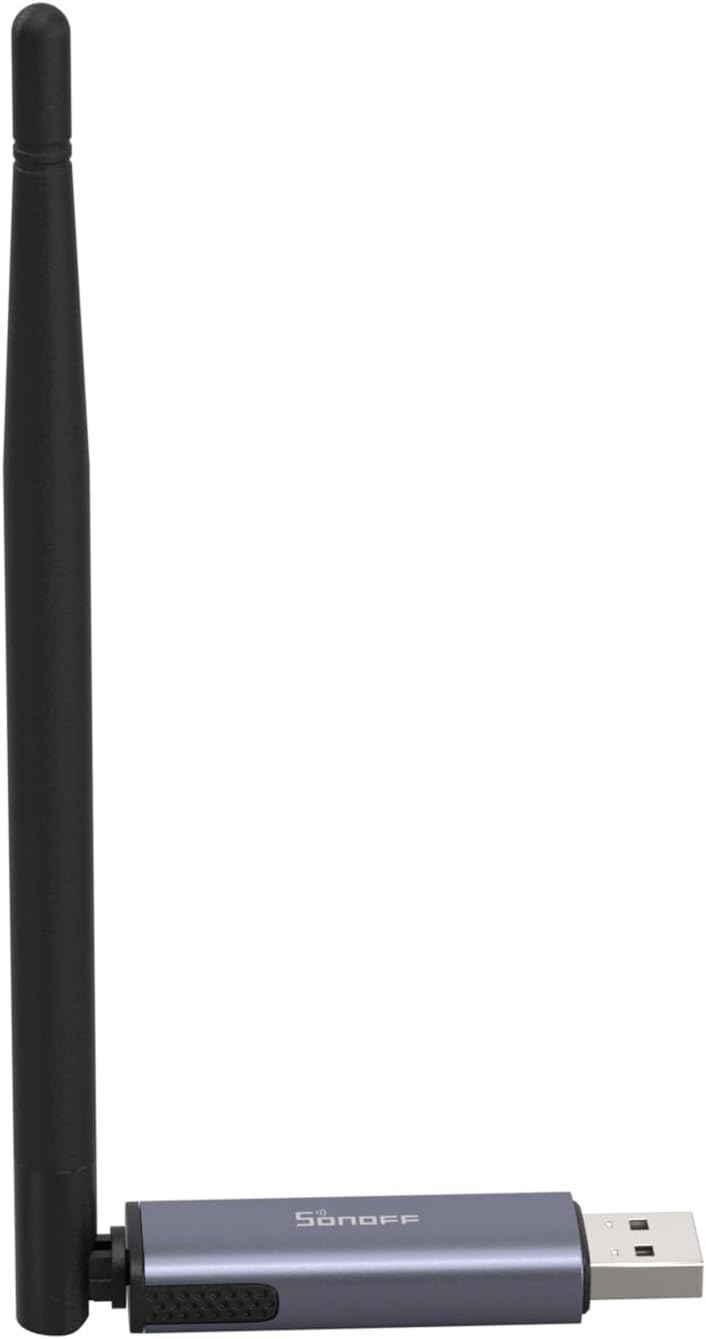
SONOFF Zigbee 3.0 Dongle Plus MG24
EFR32MG24-based Zigbee and Thread USB coordinator for ZHA and Zigbee2MQTT, with a 3dBi antenna and bundled extension cable.
Price & availability at Amazon.com
Key Features
- EFR32MG24 chip, Zigbee 3.0 and OpenThread firmware
- External 3dBi antenna
- Works with ZHA, Zigbee2MQTT, openHAB
- USB extension cable in the box
What we like
- $35.90 and battle-tested
- Big community knowledge base
- Spare-friendly price
Watch out for
- No built-in Ethernet; it lives on USB
- Thread support needs a firmware flash
Important Considerations
- •Use the extension cable; USB 3 noise kills Zigbee range
- •Flash the right firmware for your stack
- •One dongle per protocol at a time
Disclosure: This post contains affiliate links. We may earn a commission if you purchase through these links at no additional cost to you.
Power draw and yearly cost
Same math as the rest of this series, at the EIA’s 18.31 cents per kWh residential average (EIA): watts x 24 x 365 / 1000 x $0.1831.
| Box | Idle watts | Cost/year |
|---|---|---|
| Home Assistant Green | ~2W (est.) | ~$3.20 |
| N150 mini PC (EQ14/S13) | ~8W (est.) | ~$12.80 |
| Raspberry Pi 5 | ~4W (est.) | ~$6.40 |
The N150 premium over the Green is about $10 a year in electricity. The gap isn’t the cost; it’s what the box can do. Whichever you pick, put it on a small UPS because a dirty power cut during a database write is how Home Assistant installs get weird; the home server UPS guide has the ~$60-170 answers.
Starting on Green and moving later
A reasonable worry: buy the $219 Green now, outgrow it, and feel like the money was wasted. It isn’t, for two reasons. First, Home Assistant’s built-in backup makes the migration boring: Settings > System > Backups, download the full backup, flash HAOS on the new box, and restore it during onboarding. Devices, automations, dashboards, and history come across. Second, the Green resells or redeploys well: it makes a fine dedicated Zigbee/Thread border-router box or a starter hub for someone else’s house. The only wasted path is buying the Green, hitting its ceiling in month two, and leaving it in a drawer.
What I’d buy
- Most people: the EQ14 at $369, HAOS bare metal, add Proxmox later if the hobby grows.
- Zero-effort start: the Home Assistant Green at $219, knowing it’s a starter box.
- Tighter budget: the Mini S13 at $349.
- The radio: a SONOFF MG24 at $35.90 on the extension cable, whatever else you bought.
FAQ
What hardware do I need for Home Assistant?
Anything from a Green box to an N150 mini PC. The official requirements are modest; the add-ons you bolt on later (Frigate, voice, lots of integrations) are what actually decide how much hardware you want.
Is the Home Assistant Green worth it at $219?
If you want working Home Assistant tonight and no maintenance, yes. At $219 versus $349 for an N150 mini PC with four times the room to grow, though, the Green is the easy start, not the best value.
Mini PC or Raspberry Pi 5 for Home Assistant?
Mini PC. A Pi 5 plus PSU, case, cooler, and SSD adapter lands close to N150 money for less compute. Buy the Pi only if you already own one.
Can the Home Assistant Green run Frigate?
Not realistically. Frigate needs a detector with real throughput, and Green’s RK3566 and 4GB RAM aren’t it. Use an N150 box with OpenVINO or add a Hailo accelerator.
Do I need a Zigbee coordinator?
Yes, unless you plan to run only Wi-Fi devices. ZHA and Zigbee2MQTT both need a USB coordinator like the SONOFF MG24; Home Assistant’s own ZBT-2 is the official option.
What are Home Assistant's hardware requirements?
The official docs support x86-64 machines, the Green and Yellow, and Raspberry Pi 4/5. A basic install runs on very little; in practice I want at least 4GB of RAM and an SSD, and 16GB plus an Intel iGPU if Frigate or voice is in the plan.