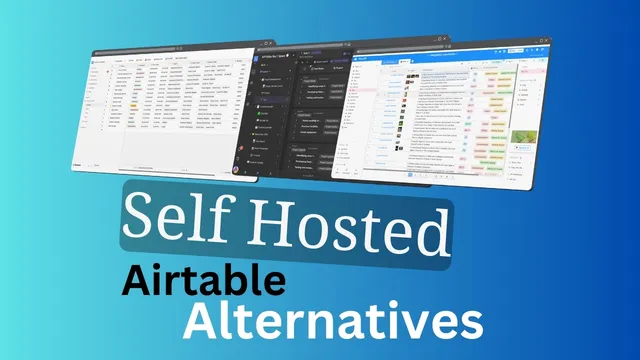
Best Self-Hosted Airtable Alternatives in 2026
Discover the best self-hosted Airtable alternatives in 2026. Compare NocoDB, Teable, Baserow, Grist, and more: licensing, features, and Docker setup guides included.
Dragos

Page 11 of 37 — Tested DevOps tutorials, programming guides, and self-hosted tools
Discover the best self-hosted Airtable alternatives in 2026. Compare NocoDB, Teable, Baserow, Grist, and more: licensing, features, and Docker setup guides included.
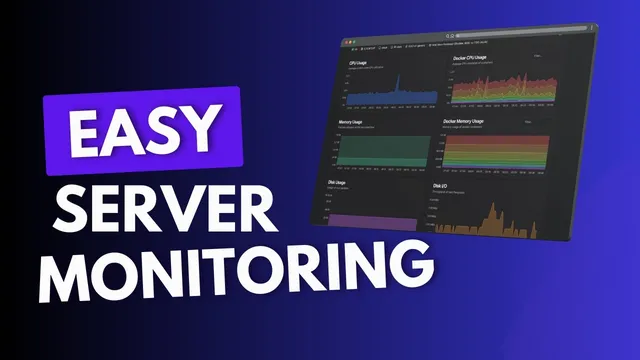
Learn how to monitor server resources (CPU, memory, disk, network) and Docker containers with Beszel, Netdata, Dozzle & Prometheus. Free self-hosted tools compared.

Build the perfect Mac terminal with Wezterm, Starship prompt, tmux, and zoxide. Step-by-step guide covering installation, configuration, and productivity tips.
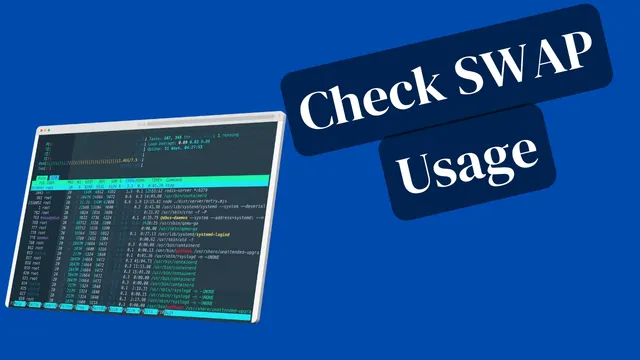
Find which processes use swap space in Linux with smem, /proc/VmSwap, and shell scripts. Covers swappiness tuning, swap troubleshooting, and container swap tracking.

Configure Postfix to relay emails through external SMTP servers like Brevo, Mailgun, or Amazon SES. Step-by-step setup guide with an automated script.
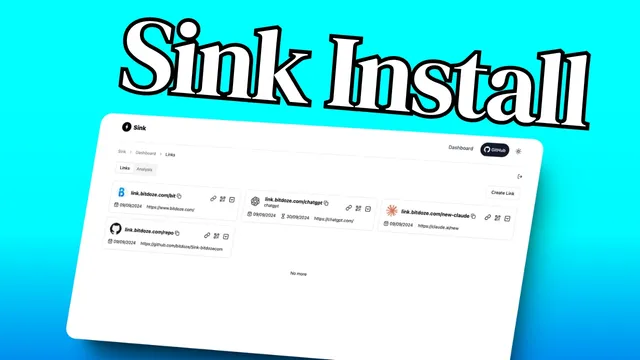
Deploy Sink, a free open-source link shortener with analytics, on Cloudflare Workers. Step-by-step guide with D1 database, KV cache, and AI-powered slug generation.

Hetzner forwarded me a BSI security report for an exposed server. How I audited open Docker ports, enabled ufw without breaking my reverse proxy, and hardened SSH.
Deploy any Docker Compose app in Dokploy with this step-by-step guide. Covers the Domains tab, Traefik labels, environment variables, and troubleshooting.
Install Nexterm with Docker Compose for self-hosted SSH, VNC & RDP management. Step-by-step guide with Traefik reverse proxy, encryption setup, and security tips.
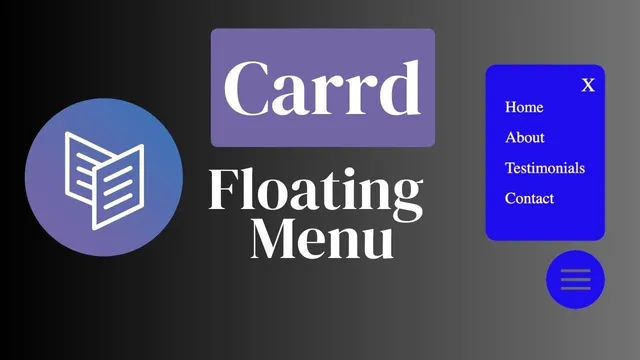
How to add a floating hamburger menu to a Carrd website with custom HTML/CSS/JS. Includes accessibility fixes, troubleshooting, and styling tips.