
Self-Hosted AI Agent Sandboxes: p9m (p7y) & Mastra Factory
Self-host AI coding agents safely: Purgatorium (p9m, formerly p7y) isolates Docker sandboxes with preview URLs, while Mastra Factory turns issues into PRs.
8 min read
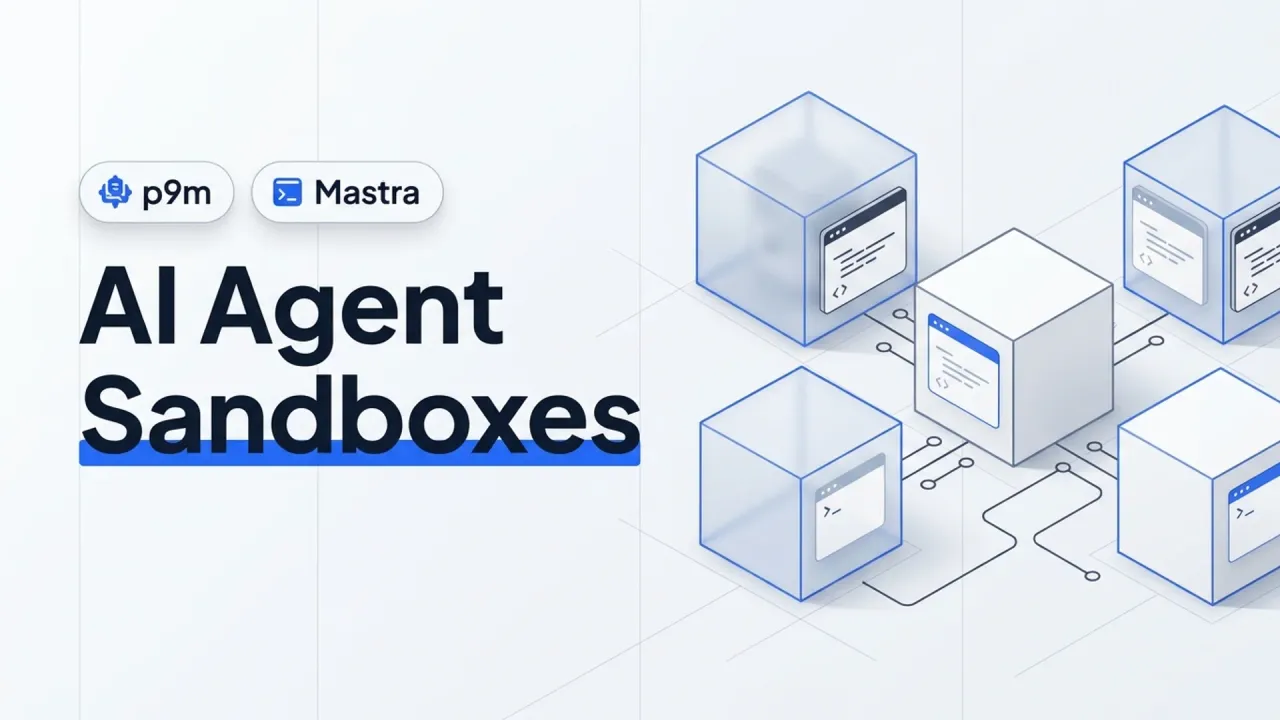
Running a coding agent locally on your laptop works fine until you run three of them in parallel. One agent tries to bind port 3000 while another is already using it, a third runs docker compose down -v on the wrong database, and suddenly you are babysitting environments instead of reviewing code.
Two open-source projects solve opposite halves of that problem on your own infrastructure: Purgatorium (p9m, formerly p7y) gives every developer and AI agent an isolated Docker-in-Docker sandbox with its own public URL and automatic sleep-on-idle, while Mastra Factory (mastra-ai/template-factory) turns GitHub, Linear, Jira, and Slack requests into planned, implemented, and reviewed pull requests.
Here is how each one actually works, how to deploy them on a VPS without exposing your host, and when to run one or both together.
Two different layers of the self-hosted agent stack
People lump “agent sandboxes” and “agent factories” together, yet they solve distinct jobs:
| Piece | Purgatorium (p9m, formerly p7y) |
Mastra Factory |
|---|---|---|
| Repo & License | csakaszamok/p9m (AGPL-3.0) | mastra-ai/template-factory (Apache-2.0) |
| Core job | Ephemeral Docker sandbox per branch/agent with live preview URLs | Issue-to-PR software factory (triage, plan, code, review) |
| Isolation mechanism | Sysbox rootless DinD or Kata microVMs per sandbox | Mastra platform sandboxes or LocalFactorySandbox |
| Idle resource handling | Sleeps idle sandboxes via Sablier, wakes on HTTP hit (under 10s) | Persistent Node.js server + PostgreSQL (pgvector) |
| Agent integration | HTTP API, MCP server, official Claude Code plugin (p9m-team/p9m) |
Built on Mastra agents, GitHub/Linear/Jira/Slack triggers |
| Best fit | Letting Claude Code/Codex spin up full Compose apps & preview URLs safely | Turning a backlog or Slack @-mentions into reviewed PRs automatically |
Note on the p7y -> p9m rename
If you saw this project trending on GitHub as p7y-dev/p7y, the repository now lives at csakaszamok/p9m (Purgatorium), with p7y-dev/p7y redirecting there. Its official Docker image is ghcr.io/csakaszamok/p9m:0.21.1 (pre-1.0, active changelog, expect breaking changes between minor releases).
Part 1: Purgatorium (p9m), one Docker daemon and URL per agent
Most “run agents in Docker” setups (like my safe CLI agent container guide) isolate a single shell, which breaks the moment the agent needs to run docker compose up to test an app with Postgres and Redis. Mounting /var/run/docker.sock directly into an agent container is a root escalation hole on your host.
Purgatorium avoids that by putting Sysbox (or Kata Containers microVMs) under each sandbox. Every sandbox gets its own private Docker daemon, its own https://<name>.<your-domain> web URL routed through Traefik, TLS TCP addresses for Postgres/Redis/SSH, and a Sablier middleware that puts idle sandboxes to sleep and wakes them back up on the next HTTP request in under 10 seconds.
It also ships a built-in container registry with secret scanning, scoped tokens restricted to a single sandbox, an MCP server (JSON-RPC over HTTP), and a Claude Code plugin so agents can request and inspect their own sandboxes without ever seeing the admin panel.
Running p9m locally vs on a Linux VPS
Try locally (lvh.me)
With Docker Engine (or Docker Desktop) and ports 80 and 443 free:
mkdir p9m && cd p9m
curl -fsSLO https://github.com/csakaszamok/p9m/releases/latest/download/docker-compose.yml
curl -fsSL https://github.com/csakaszamok/p9m/releases/latest/download/setup.sh | bash
docker compose up -d
setup.sh generates random secrets into .env and prints the admin password. Open http://p9m.lvh.me (lvh.me resolves every subdomain to 127.0.0.1, so no local DNS editing is needed) and click New sandbox. The first sandbox takes a minute to pull base images; subsequent ones come up in ~10 seconds.
Production Linux VPS (Sysbox)
On a Linux VPS (for example a Hetzner box set up like my VPS AI coding guide), install Sysbox first so ALLOWED_RUNTIMES=sysbox enforces proper rootless isolation instead of privileged dind. Run the host audit script before touching anything:
curl -fsSL https://github.com/csakaszamok/p9m/releases/latest/download/check-host.sh | bash -s -- dev.example.comThen bootstrap with your wildcard domain (*.dev.example.com pointed at the VPS):
mkdir p9m && cd p9m
curl -fsSLO https://github.com/csakaszamok/p9m/releases/latest/download/docker-compose.yml
curl -fsSL https://github.com/csakaszamok/p9m/releases/latest/download/setup.sh | bash -s -- dev.example.com
docker compose up -d

# Re-run the audit to flag anything still insecure
curl -fsSL https://github.com/csakaszamok/p9m/releases/latest/download/check-host.sh | bash
If you wire Claude Code into it, install the plugin from the official marketplace name (p9m-team/p9m):
/plugin marketplace add p9m-team/p9m
/p9m:init https://sbx.dev.example.com
One security rule straight from p9m’s own docker-compose.yml: leave ALLOWED_RUNTIMES=sysbox (or sysbox,kata if you have nested virt / bare metal for Kata microVMs). Never enable privileged dind on a shared server, because root inside a privileged DinD sandbox can escape to the host.
Part 2: Mastra Factory, self-hosted agentic Kanban from issue to PR
The Mastra team (the TypeScript agent framework I covered in building AI agents with Mastra and Mastra tools vs MCP) open-sourced the exact internal system they used to merge 238 agent-authored pull requests in a single week alongside 630 human PRs.
Mastra Factory is not a coding CLI. It is a persistent server (UI + API) backed by PostgreSQL with pgvector that connects to GitHub, Linear, Jira, and Slack. You sync issues into Work -> Intake (or @-mention the bot in Slack), pick an issue, and Factory runs a structured pipeline: investigate the codebase, write a plan for human review, implement in a sandbox, open a PR, and respond to review comments automatically via PR signals.
Scaffolding Mastra Factory self-hosted (without Mastra Cloud)
By default, npm create factory links to Mastra’s hosted platform for auth and sandboxes. Pass --no-platform to scaffold the fully self-hosted template instead (keep the Factory repo separate from the app repos you want agents to edit):
npm create factory -- --no-platform
cd my-factory
Generate a persistent encryption key for stored API keys and integration secrets, and back it up safely:
openssl rand -base64 32In .env, set at minimum:
DATABASE_URL=postgresql://user:[email protected]:5432/factory
FACTORY_CREDENTIAL_ENCRYPTION_KEY=paste-generated-32-byte-base64-key
MASTRACODE_PUBLIC_URL=https://factory.example.com
Notice DATABASE_URL requires PostgreSQL with the pgvector extension installed. If you need a fast Docker Compose setup for Postgres + pgvector, grab the one from my pgvector on Docker guide (and check my PostgreSQL 19 notes before picking an image tag so pgvector packages match).
For local execution inside your own machine or container, MastraFactory in src/mastra/index.ts accepts new LocalFactorySandbox() from @mastra/factory. If you want Slack triggers, you need all four variables (SLACK_APP_TOKEN or SLACK_APP_SIGNING_SECRET, plus SLACK_APP_BOT_TOKEN, SLACK_APP_CLIENT_ID, and SLACK_APP_CLIENT_SECRET); an incomplete Slack block fails fast on startup rather than silently turning Slack off.
Build and run the self-hosted server:
npm install
npm run build
npm run start
Open the UI, connect your GitHub App under Settings -> Work Intake -> GitHub issues, add a model provider key, and test it on a low-risk documentation or test-coverage issue first before pointing it at production code paths.
Honest guardrails before letting agents merge code on your VPS
Giving autonomous agents a server and GitHub tokens is where small mistakes turn expensive quickly:
- Cap sandbox CPU, RAM, and quotas. In
p9m, tuneSANDBOX_CPUS(default 2),SANDBOX_MEMORY(default 4g),SANDBOX_DISK(20g), andSANDBOX_QUOTA(3 per user) so a runaway build loop cannot OOM your VPS. - Never run on a host without Sysbox or Kata. Plain privileged DinD is fine for a throwaway laptop test, never for multi-agent or team boxes.
- Keep human merge approval on. Mastra Factory’s own team ran it alongside human reviewers (238 agent PRs vs 630 human-merged PRs). Let agents draft, test, and fix lint; keep branch protection and CI checks mandatory.
- Lock down public URLs and ports. Both tools bind local HTTP ports (
p9mon127.0.0.1:8081); terminate TLS at Traefik or Caddy, enable OIDC allowlists (OIDC_ALLOWED_EMAILS), and remember Docker bypasses UFW if you accidentally bind0.0.0.0. - Back up the Factory encryption key and Postgres. Losing
FACTORY_CREDENTIAL_ENCRYPTION_KEYlocks you out of every saved provider key in the database.
When to use which
If you already love your interactive coding CLI (Claude Code, OpenCode, or Codex) and just want a clean self-hosted place where agents can boot full Docker Compose stacks and hand you clickable preview links, Purgatorium (p9m) fills a gap almost nothing else covers cleanly.
If you manage a team repo with a steady stream of small bug fixes, dependency bumps, and feature tickets and want a Kanban workflow driven from GitHub issues or Slack, Mastra Factory is the stronger starting point, especially if your stack is already TypeScript and PostgreSQL.
FAQ
Why does p7y redirect to p9m on GitHub?
The author renamed the project from p7y to Purgatorium (p9m) under github.com/csakaszamok/p9m. The old URL redirects automatically, while the Claude Code plugin marketplace remains p9m-team/p9m.
Can Mastra Factory run completely self-hosted without Mastra Cloud?
Yes. Scaffold with npm create factory -- --no-platform, point DATABASE_URL at your own PostgreSQL + pgvector database, configure LocalFactorySandbox (or another sandbox provider) in src/mastra/index.ts, and run it as a persistent Node.js service or Docker container behind HTTPS.
How much VPS RAM do I need for p9m sandboxes?
Budget at least 8–16 GB RAM on a Linux VPS. The control plane (Traefik, Registry, Sablier, p9m) is modest, while each awake sandbox defaults to up to 4 GB RAM (SANDBOX_MEMORY=4g). Because Sablier sleeps idle sandboxes automatically, 16 GB comfortably serves a small team with a handful of active branches.
Does p9m work on Windows or macOS?
Yes for local testing via Docker Desktop (using lvh.me domains). For production multi-user isolation with Sysbox or Kata Containers, deploy on a Linux host running Docker Engine.
Did this guide work for you?
Related Posts

Written by Dragos
DevOps engineer with 10+ years in IT. I write these guides while doing the installs in my Proxmox home lab and on real VPSes.
Need help with Astro, VPS, or a self-hosted app? View services →