PicoClaw Setup Guide: Go Binary AI Assistant on $10 Hardware
Step-by-step guide to installing PicoClaw on a Linux VPS or single-board computer with MiniMax M2.5, GLM-5, Discord integration, and Brave Search.
Dragos

Page 18 of 38 — Tested DevOps tutorials, programming guides, and self-hosted tools
Step-by-step guide to installing PicoClaw on a Linux VPS or single-board computer with MiniMax M2.5, GLM-5, Discord integration, and Brave Search.
A roundup of the best dashboards and command centers for OpenClaw — from full multi-agent orchestration platforms to lightweight single-file monitors.
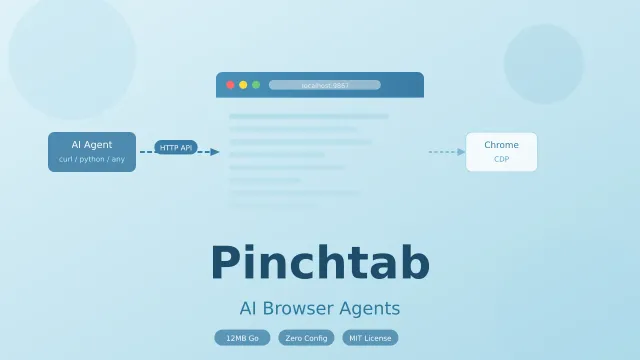
Pinchtab is a 12MB Go binary that gives any AI agent browser control over a plain HTTP API using accessibility trees.
Step-by-step guide to installing nanobot on a Linux VPS with MiniMax M2.5, GLM-5 (Zhipu), Discord integration, and Brave Search.
Step-by-step guide to installing ZeroClaw on a Linux VPS with MiniMax M2.5, GLM-5, Discord integration, and Brave Search.
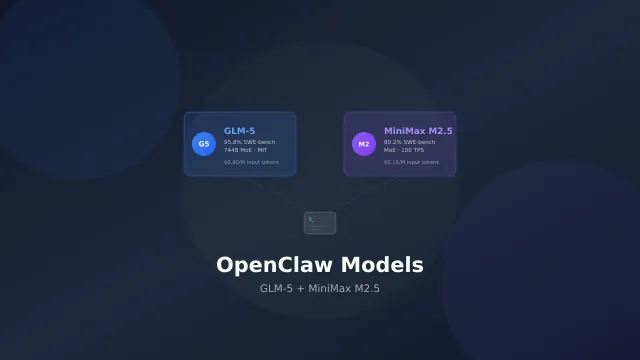
GLM-5.2 and MiniMax M3 are the best open source models for running OpenClaw. Setup, pricing, why Claude Code or Gemini CLI subscriptions are a bad idea, and…
Step-by-step guide to adding DuckDuckGo search to OpenClaw (formerly Clawdbot/Moltbot). Replace Brave Search with a free alternative that doesn't require an API key.
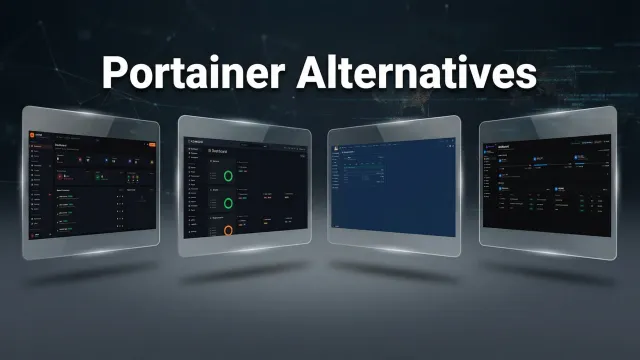
Tested Portainer alternatives for 2026: Arcane, Dockhand, Sencho, Dockge, Komodo, Coolify and Dokploy.
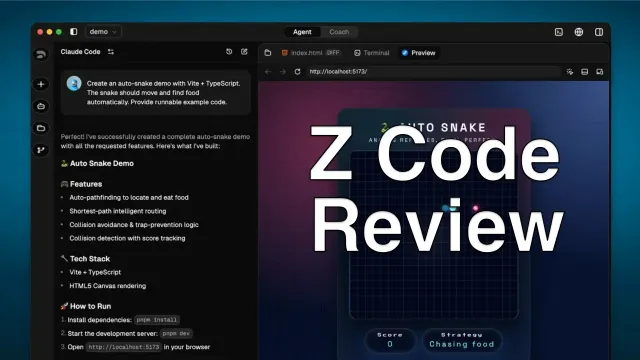
Hands-on Zcode review: free desktop AI coding agent with Goal Mode for long tasks, multi-model support, and Bot Channel for phone control.
Step-by-step guide to install UsulNet with Docker Compose. Covers production setup with PostgreSQL, Redis, NATS, security scanning, multi-node deployment…