
Best Herdr TUI plugins (2026): 10 vetted picks & install guide
10 vetted Herdr TUI plugins for diff review, spend tracking, and phone control, updated for Herdr v0.9.5 with herdr plugin update and 5-minute vetting.
Updated Published 6 min read
Herdr
Part 4 of 5
Start with three vetted Herdr TUI plugins (persiyanov/herdr-reviewr, kryptamine/herdr-auto-title, and cloudmanic/herdr-plus) on Herdr v0.9.5, where herdr plugin update now refreshes GitHub plugins without reloading config.
The Herdr TUI plugin marketplace at herdr.dev/tui/plugins indexes over 1,000 community plugins automatically with zero human review. Every plugin runs as your user with your full environment, so installing blind is asking for trouble. Below are the ten plugins worth installing, the exact install/update/pin commands, and the 5-minute vetting checklist I run before confirming any manifest.
TUI plugins vs Desktop App mods
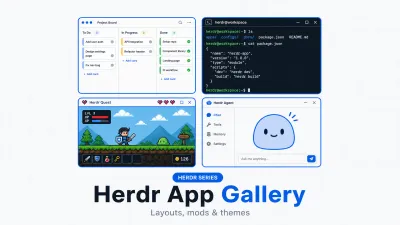
Everything here extends Herdr TUI (herdr v0.9.5) via herdr-plugin.toml. The newer Herdr Desktop App (herdr-app v0.1.16) runs on herdr-core and uses JavaScript mods and JSON layouts (312+ layouts and 576+ mods at herdr.dev/gallery/). If you use the desktop app instead of the TUI, read our Herdr app layouts and mods tour.
If you are new to the runtime, start with our Herdr review, AI coding tools comparison, and six-way terminal multiplexer comparison.
What are Herdr plugins and how do they work?
A Herdr TUI plugin is a directory with a herdr-plugin.toml manifest and ordinary commands executed as argv arrays; there is no restricted SDK because the entire herdr CLI (called via HERDR_BIN_PATH) is the plugin API.
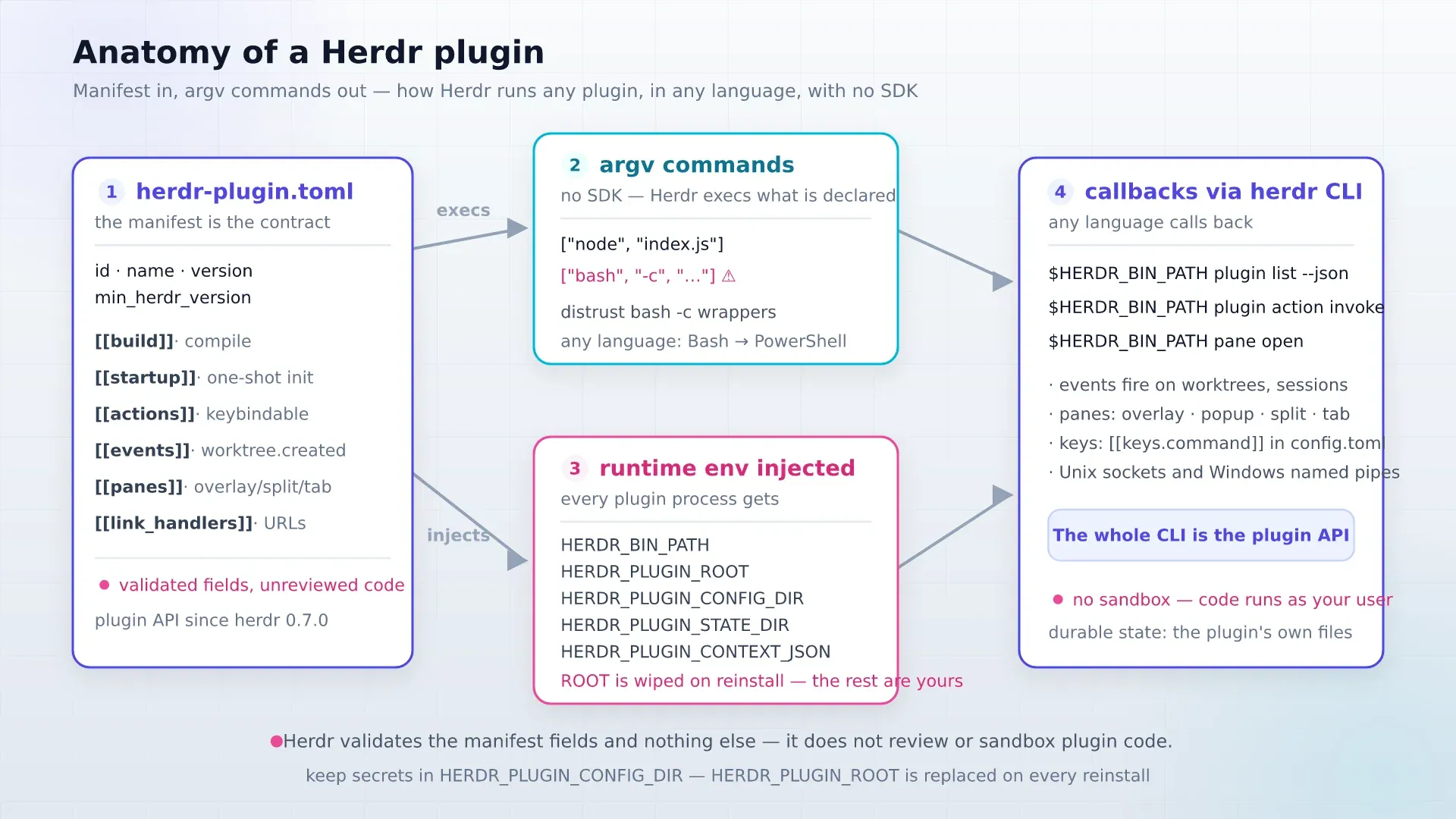
Key manifest sections: [[build]] compiles on GitHub installs, [[startup]] runs one-shot init, [[actions]] expose keybindable commands, [[events]] fire on triggers like worktree.created, [[panes]] place overlays/splits/popups, and [[link_handlers]] map Ctrl+click URLs. At runtime Herdr injects HERDR_SOCKET_PATH, HERDR_BIN_PATH, HERDR_PLUGIN_CONFIG_DIR, and HERDR_PLUGIN_STATE_DIR. Keep credentials and settings in HERDR_PLUGIN_CONFIG_DIR, never inside HERDR_PLUGIN_ROOT (which updates overwrite).
No sandbox, no marketplace review
As herdr.dev/tui/docs/plugins states plainly, a plugin is ordinary code running with your user permissions and environment variables. The index refreshes every 30 minutes directly from GitHub’s herdr-plugin topic without security review.
How to install, update, and verify Herdr plugins safely
Inspect herdr-plugin.toml, install with interactive preview (never --yes on first install), pin a reviewed ref with --ref, and use herdr plugin update (v0.9.4+) when you are ready to refresh.
# Install with interactive manifest preview
herdr plugin install persiyanov/herdr-reviewr

# Or pin the exact tag you audited
herdr plugin install persiyanov/herdr-reviewr --ref v1.2.0

# Update all GitHub-installed plugins or a single one (added in Herdr v0.9.4)
herdr plugin update
herdr plugin update herdr-reviewr

# Verify registration, actions, and logs
herdr plugin list --json
herdr plugin action list --plugin plugin.id
herdr plugin log list --plugin plugin.id --limit 20
New since Herdr v0.9.4 and v0.9.5
Earlier guides noted that Herdr had no update command. herdr plugin update shipped in v0.9.4 (October 13, 2026): it updates GitHub-installed plugins in place while running plugin panes keep working on their old files, and new runs pick up the update with no config reload. Locally linked plugins (herdr plugin link) stay untouched. v0.9.5 also fixed Windows plugin panes failing when a folder on PATH matched the plugin’s binary name.
To bind a plugin action in ~/.config/herdr/config.toml and reload:
[[keys.command]]
key = "prefix+l"
type = "plugin_action"
command = "example.layout.apply"
description = "apply layout"herdr server reload-configRollback is equally clean: herdr plugin disable ID or herdr plugin uninstall ID (which preserves HERDR_PLUGIN_CONFIG_DIR).
What are the 10 best Herdr TUI plugins worth installing?
Install by fully qualified owner/repo every time, because multiple plugins in the marketplace share identical names.
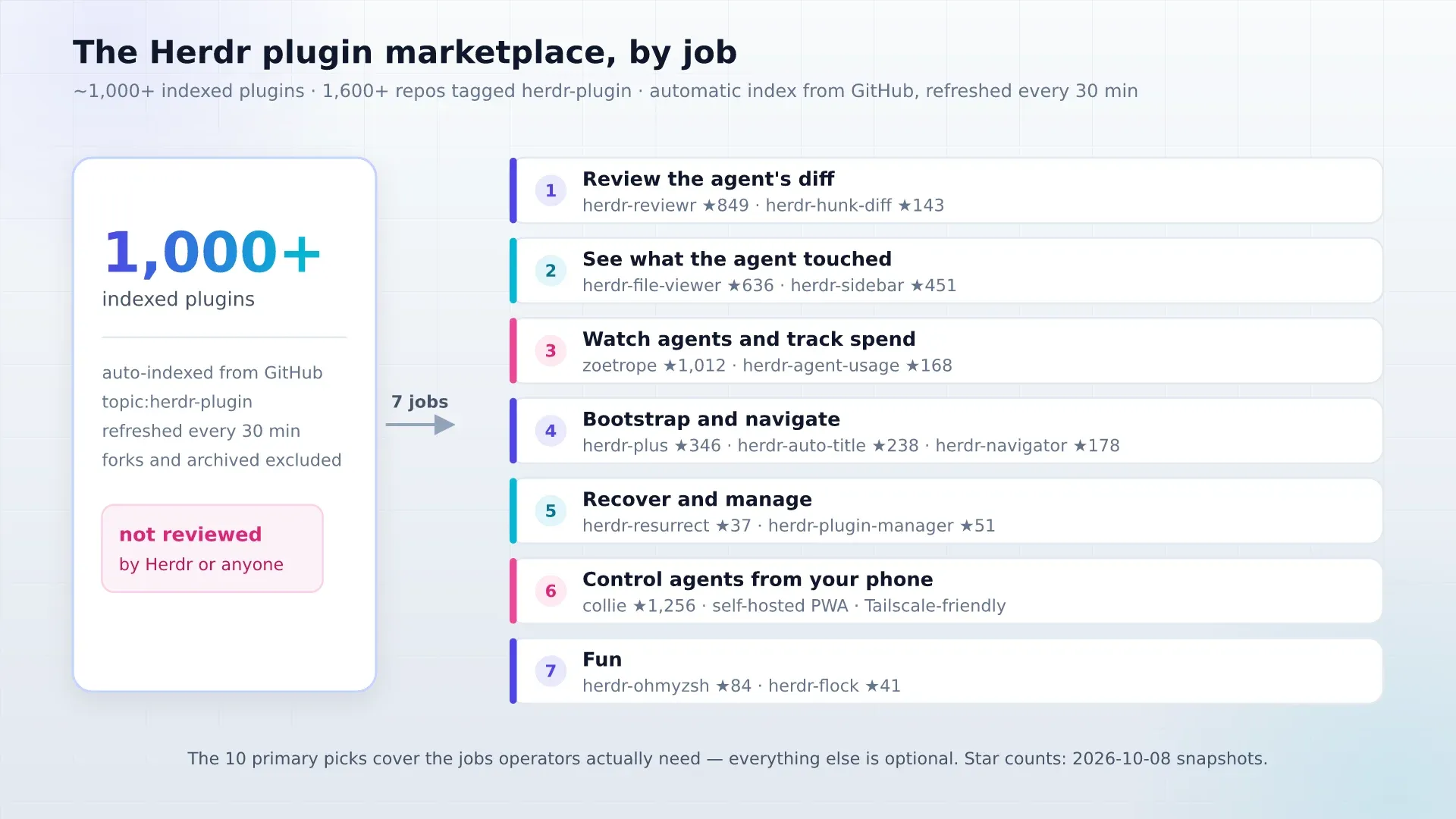
1. Review agent diffs: persiyanov/herdr-reviewr
Opens the agent’s git diff in a terminal pane and sends inline line comments straight back to Claude Code, Codex, OpenCode, and Pi. Ships prebuilt Rust binaries (no Cargo compile wait). Lighter alternative: jhochenbaum/herdr-hunk-diff.
herdr plugin install persiyanov/herdr-reviewr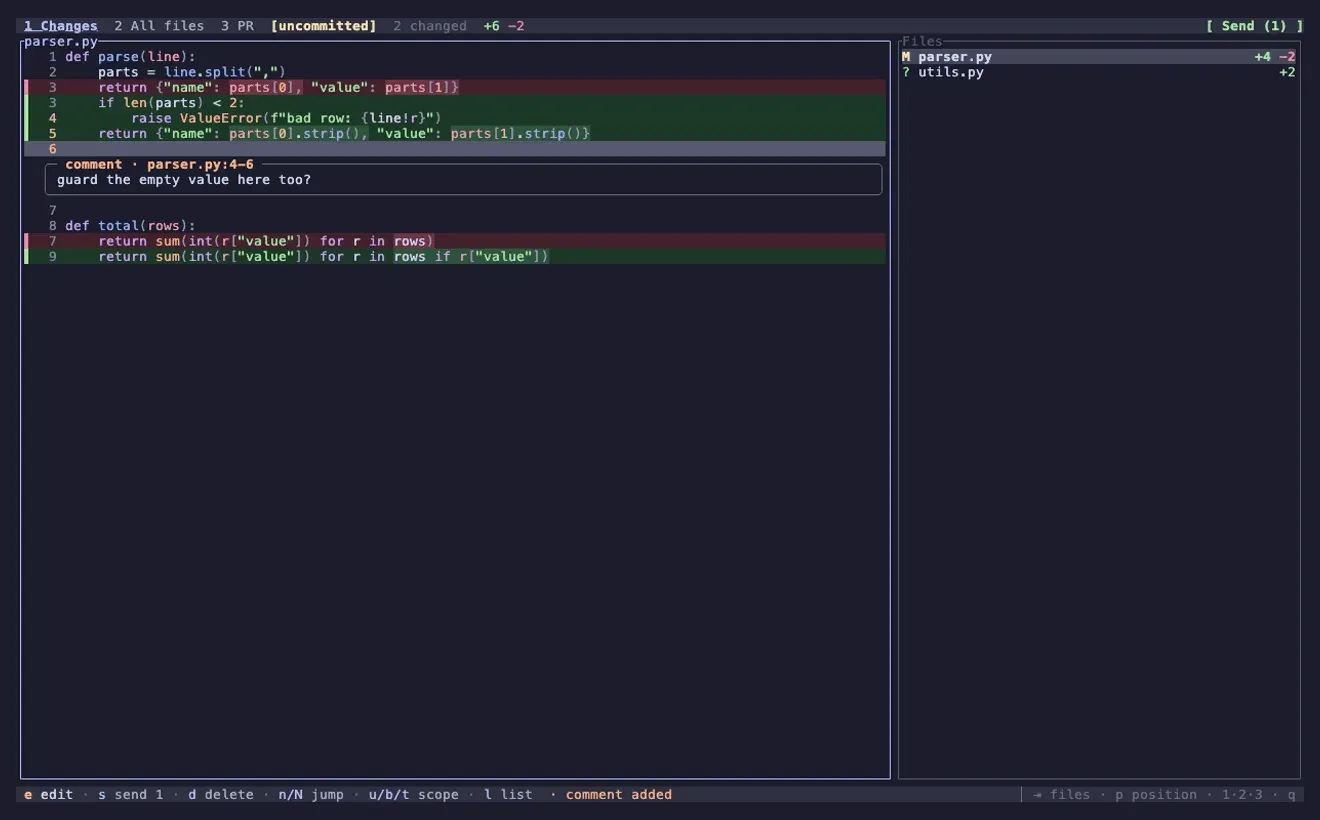
2. Inspect touched files: smarzban/herdr-file-viewer
A git-aware, read-only file tree with rendered Markdown and working-tree diffs. Read-only matters when agents are actively writing files so you never accidentally edit over them. If you want write support plus git staging, check alexarthurs/herdr-sidebar.
herdr plugin install smarzban/herdr-file-viewer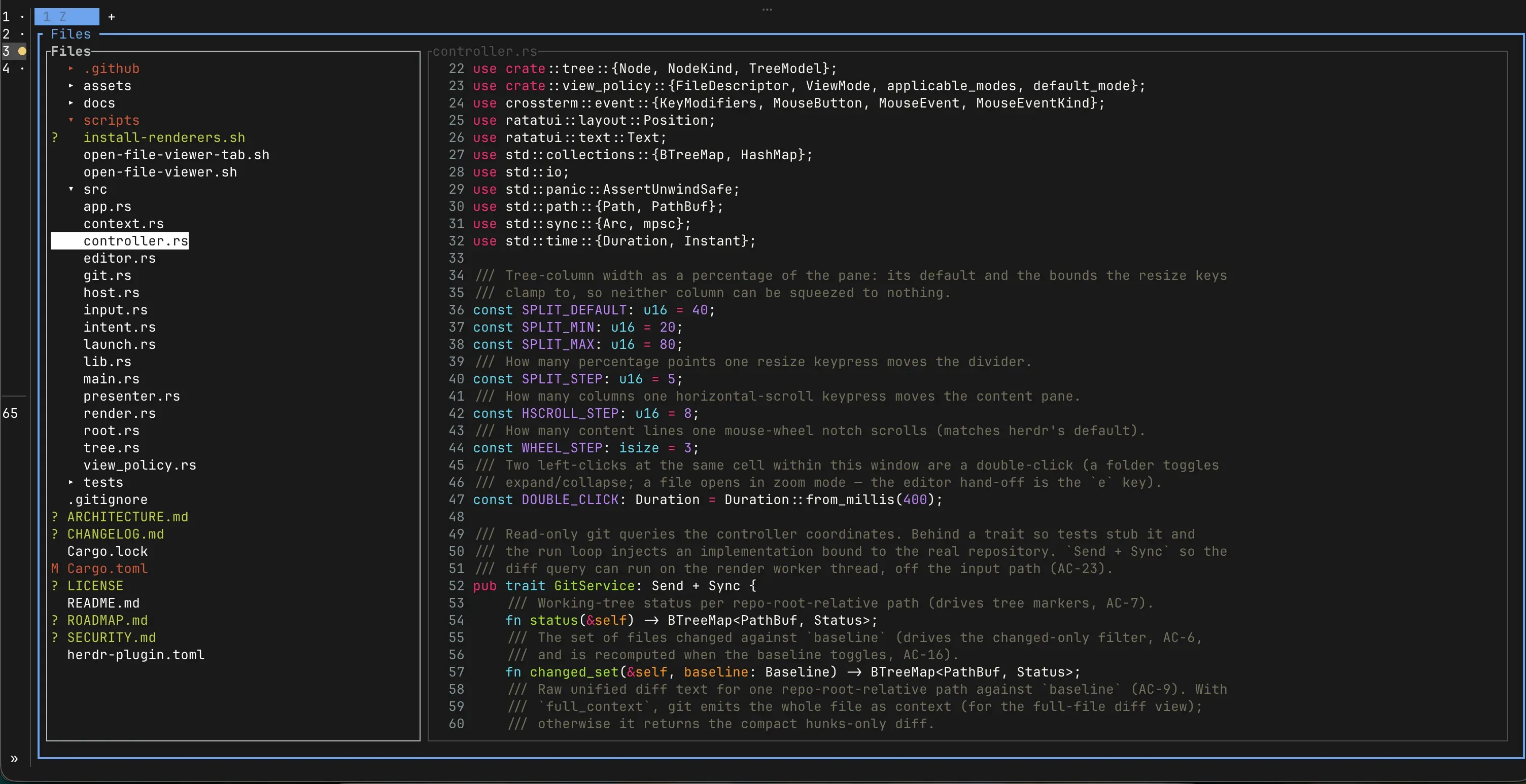
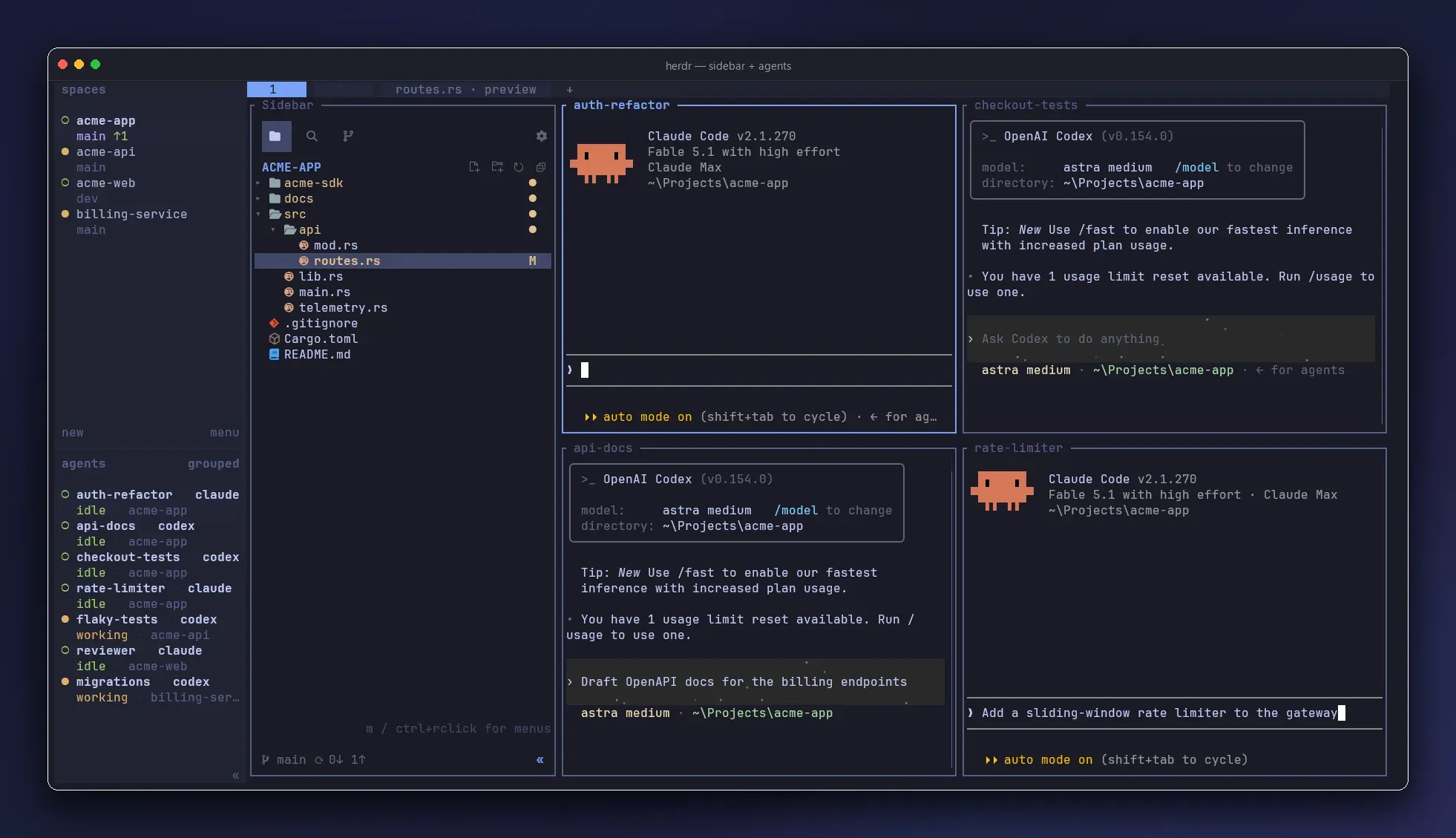
3 & 4. Watch sessions and track spend: furkankly/zoetrope & levi-qiao/herdr-agent-usage
furkankly/zoetrope draws a live Rust/ratatui flow graph of Claude Code and Codex sessions. levi-qiao/herdr-agent-usage puts per-agent context, cache, and API/weekly spend gauges in your sidebar (watch the name collision with senna-lang/herdr-agent-usage). For a project-grouped working/blocked radar, try hhdebb/herdr-radar.
herdr plugin install furkankly/zoetrope
herdr plugin install levi-qiao/herdr-agent-usage
herdr plugin install hhdebb/herdr-radar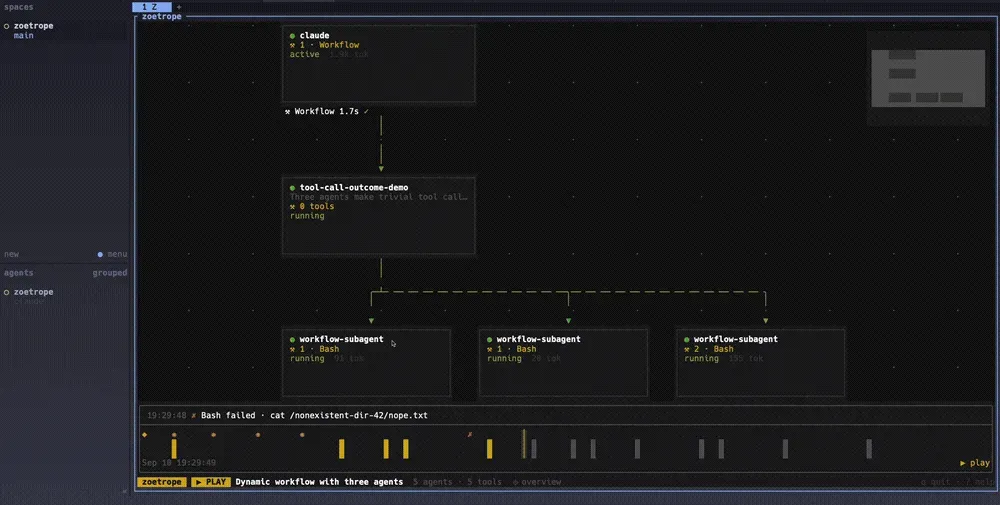
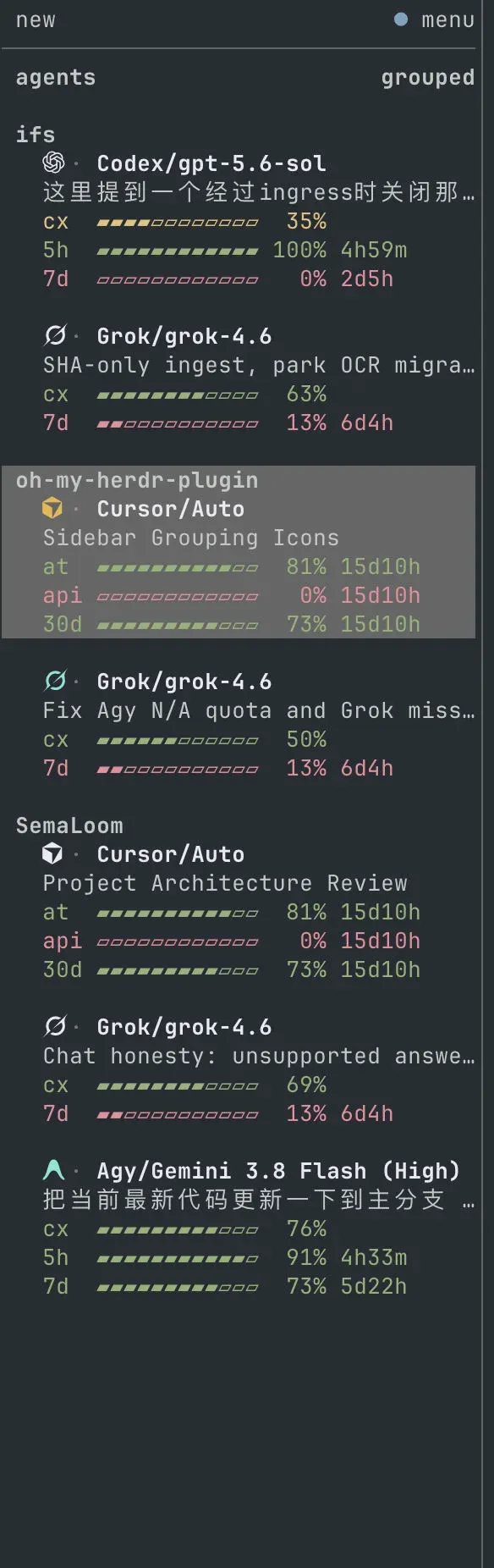
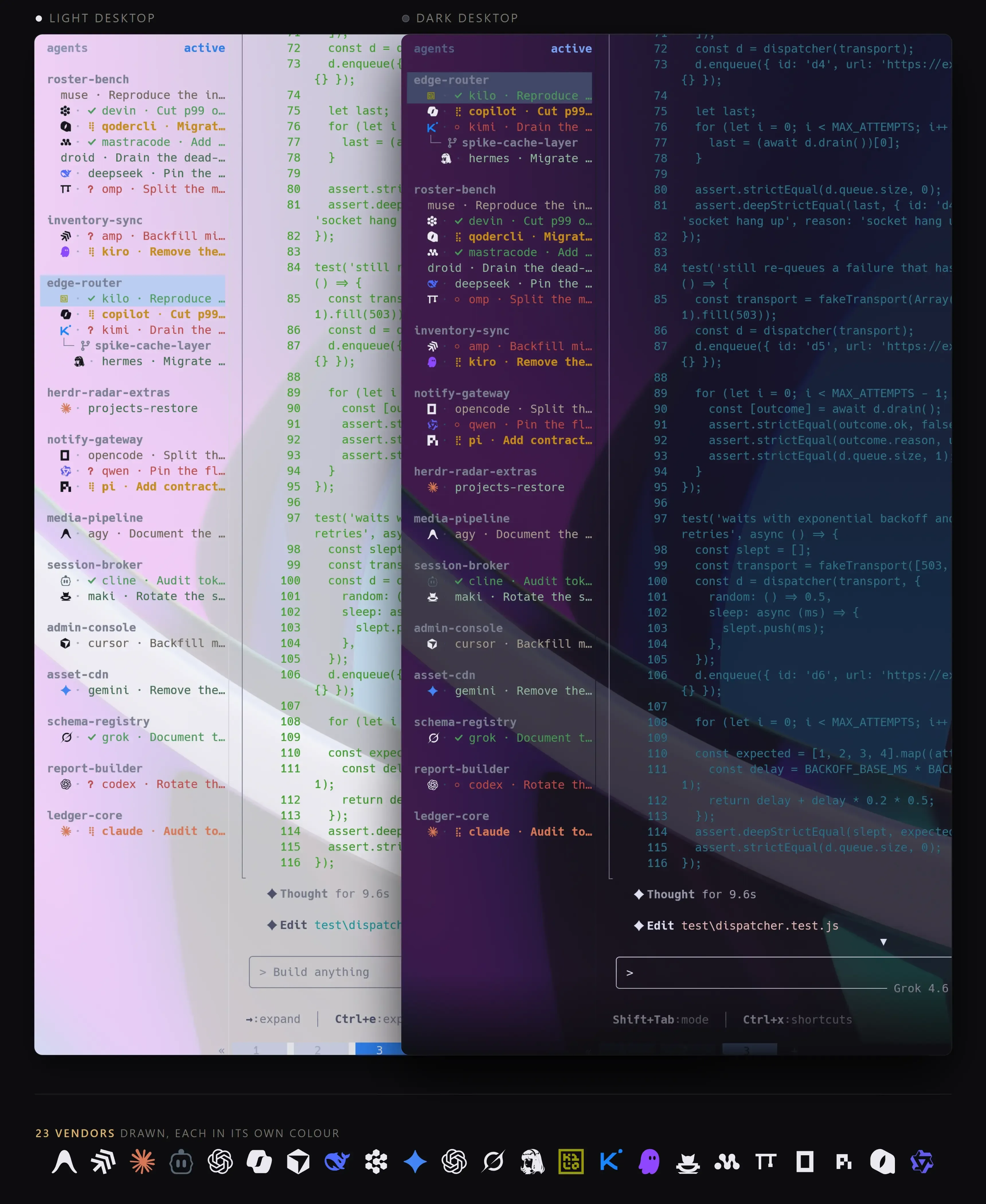
5, 6 & 7. Workspace bootstrap & navigation: herdr-plus, herdr-auto-title, herdr-navigator
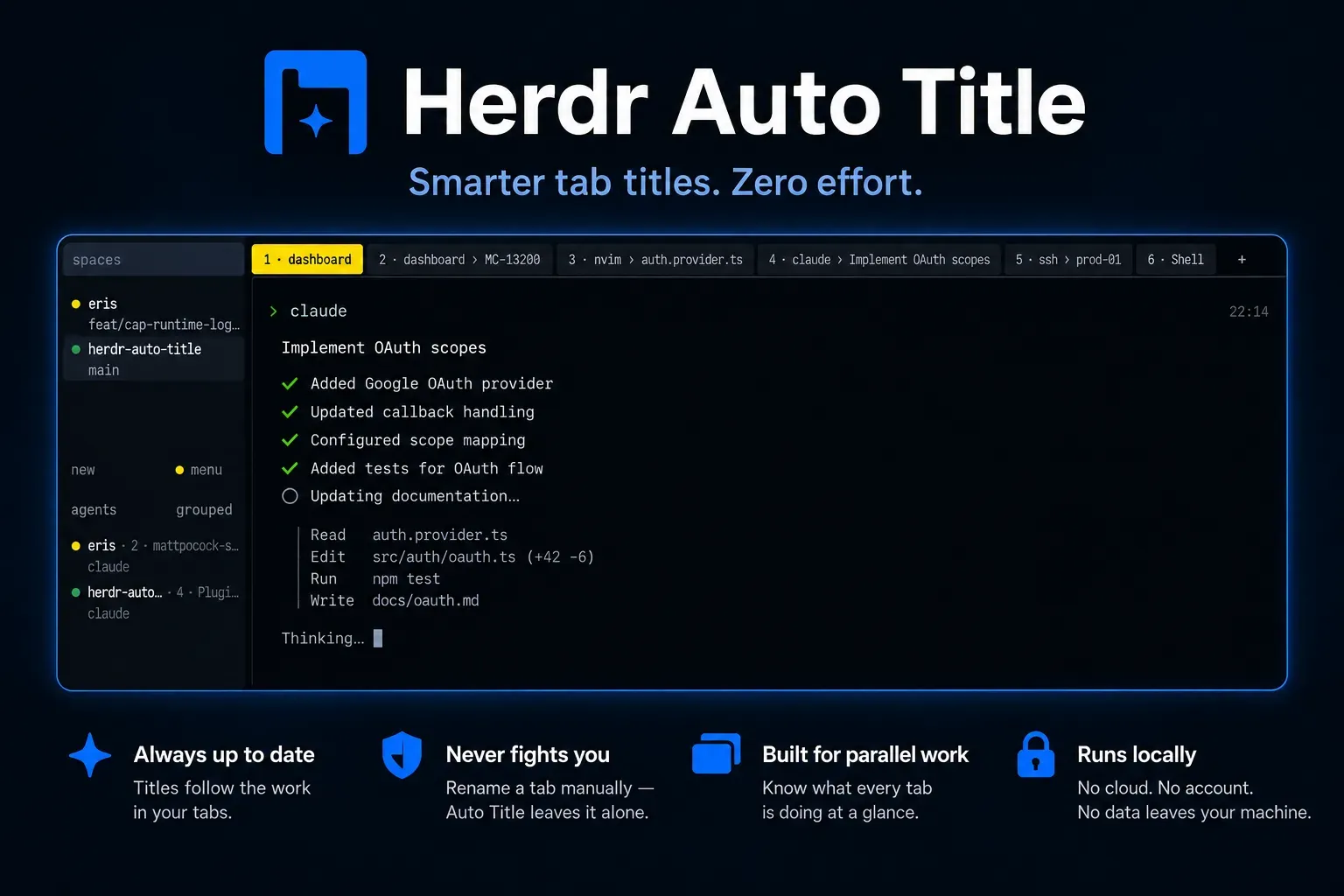
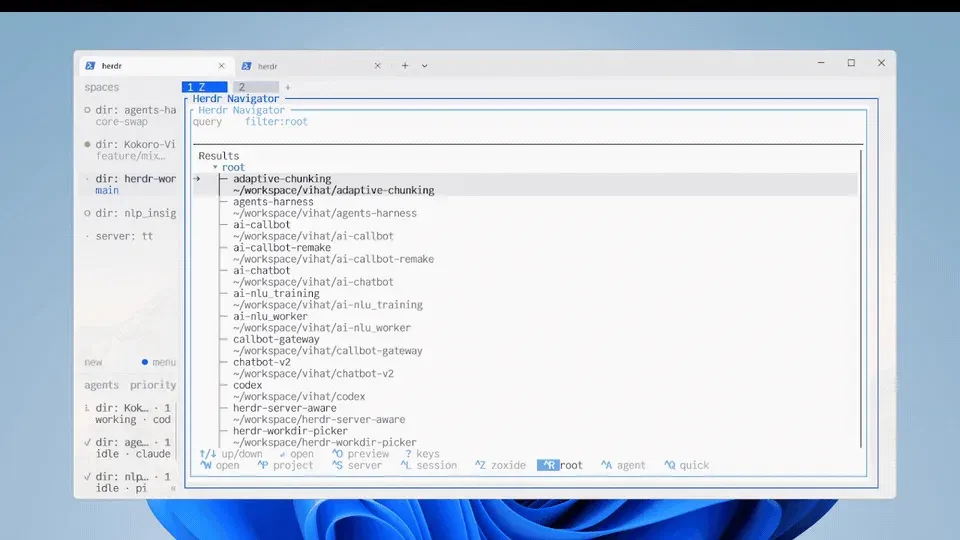
cloudmanic/herdr-plus: Rebuilds multi-tab project layouts from TOML files committed in your dotfiles, plus fuzzy Quick Actions.kryptamine/herdr-auto-title: Names tabs from git branch, active command, and Claude Code sessions (watch the name collision withsh1ma/herdr-auto-title; for a readable shell-script alternative, seequ8n/herdr-automatic-rename).thanhdat77/herdr-navigator: Fuzzy jumper across workspaces, agents, projects, and remote machines, pairing naturally with zoxide.
herdr plugin install cloudmanic/herdr-plus
herdr plugin install kryptamine/herdr-auto-title
herdr plugin install thanhdat77/herdr-navigator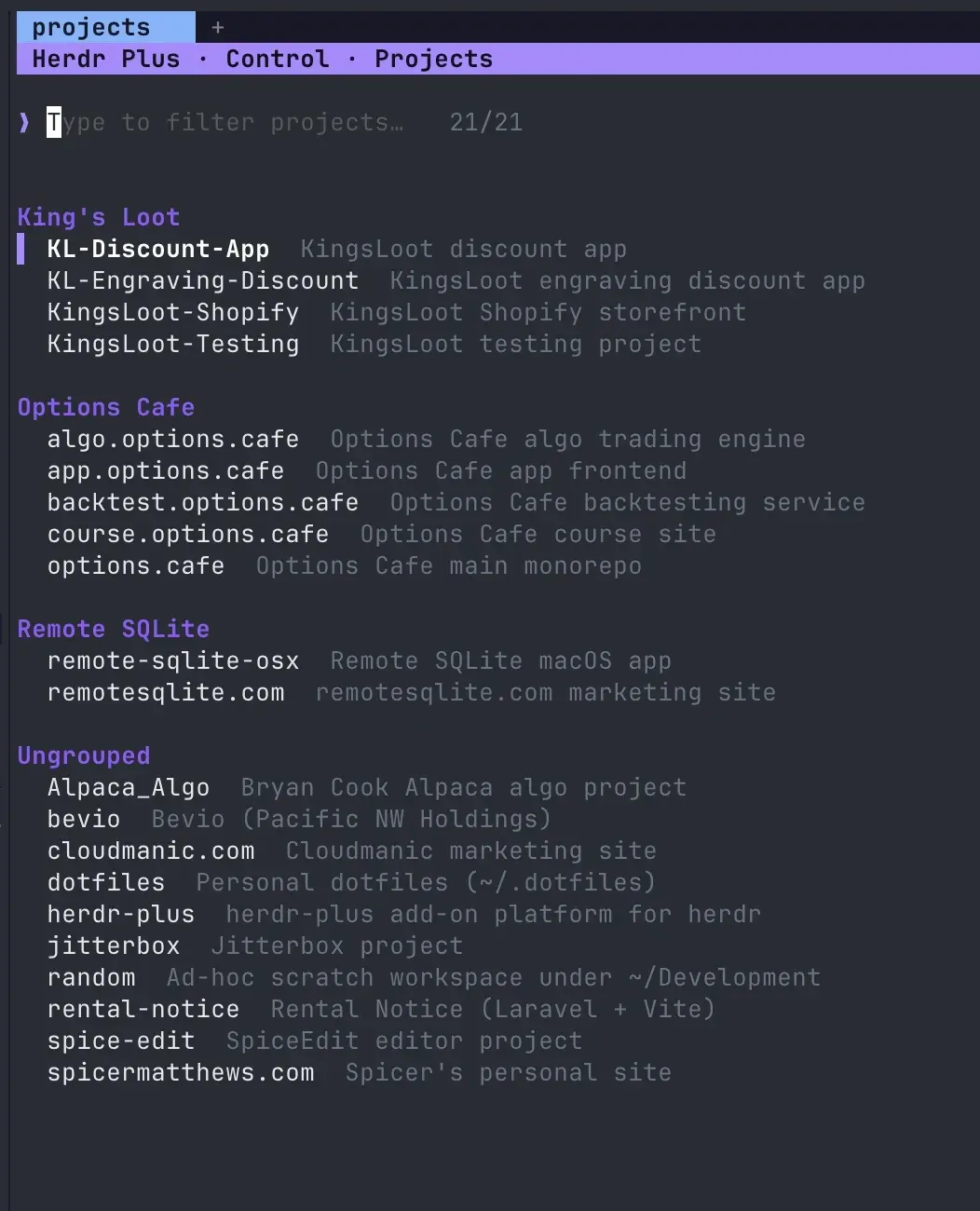
8 & 9. Crash recovery & management: ntindle/herdr-resurrect & speardragon/herdr-plugin-manager
ntindle/herdr-resurrect snapshots workspaces, tabs, working directories, and agents so you recover cleanly after a reboot (back up config.toml and HERDR_PLUGIN_CONFIG_DIR separately with Restic / Pluton). speardragon/herdr-plugin-manager lets you browse, enable, and remove plugins from a prefix+p popup (close any open Settings/Copy-mode modal first so popups do not return ui_busy).
herdr plugin install ntindle/herdr-resurrect
herdr plugin install speardragon/herdr-plugin-manager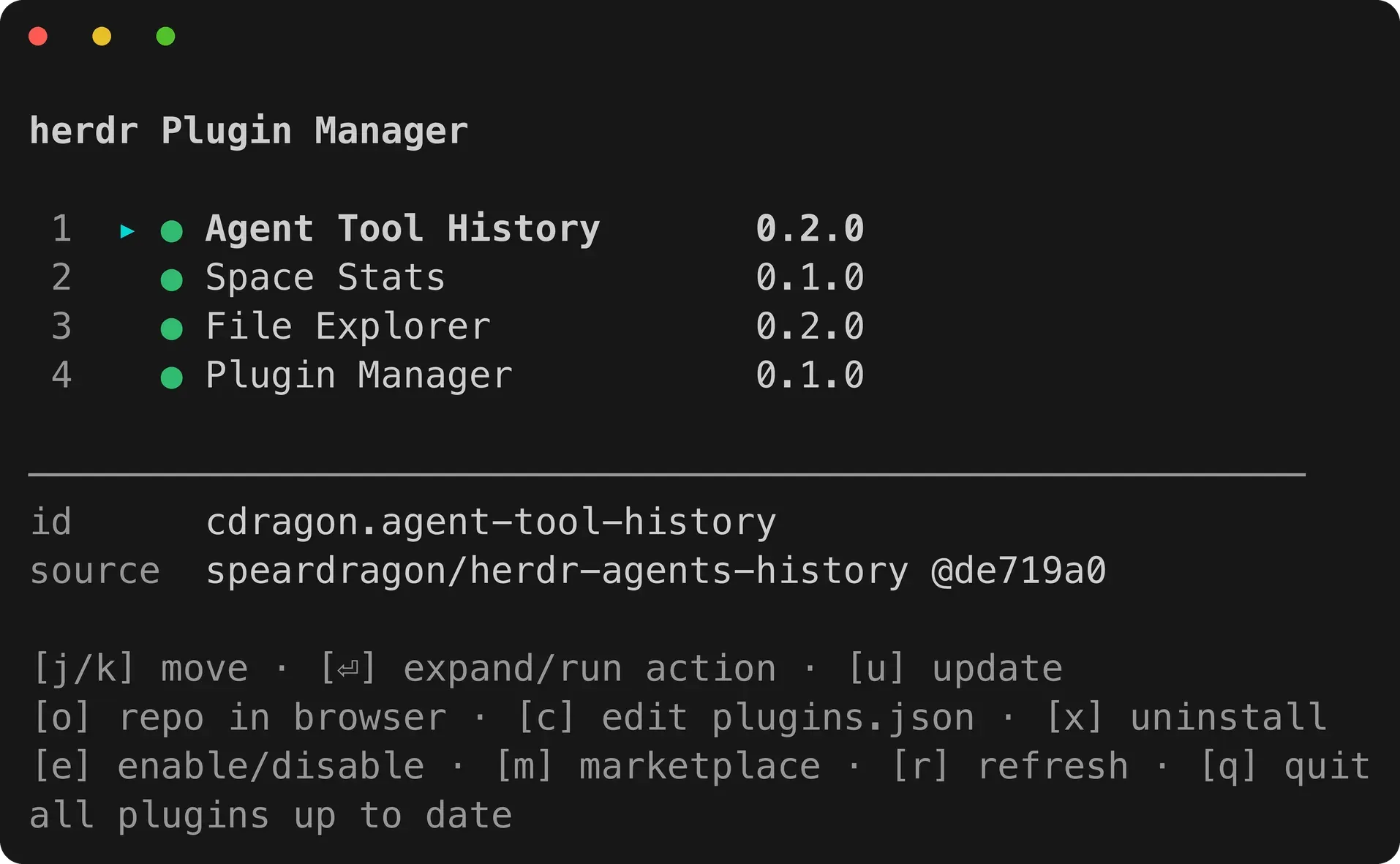
10. Control TUI agents from your phone: AltanS/collie
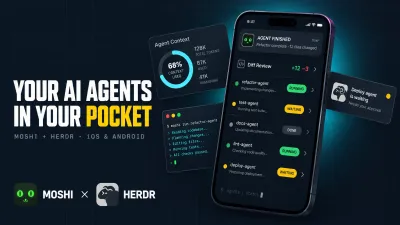
AltanS/collie turns Herdr TUI into a mobile-first PWA behind tailscale serve with web push alerts, quick replies, and read-only diffs. For the full picture including the new official Herdr Mobile app (which runs on herdr-core) and Moshi, compare options in best Herdr clients and control AI agents from your phone.
herdr plugin install AltanS/collie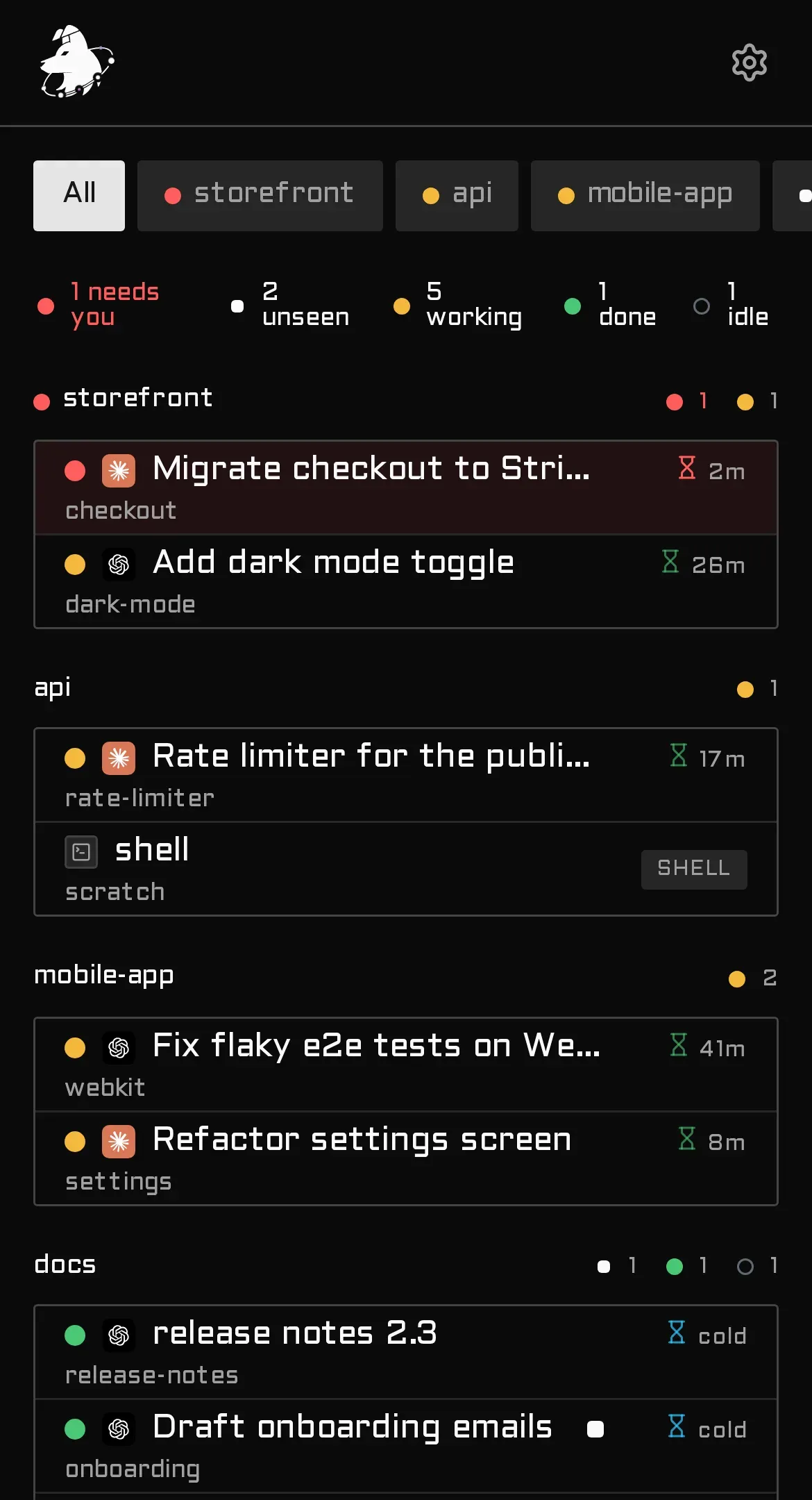
Affiliate Disclosure
Some links below are affiliate links. If you buy through them, I may earn a small commission at no extra cost to you.
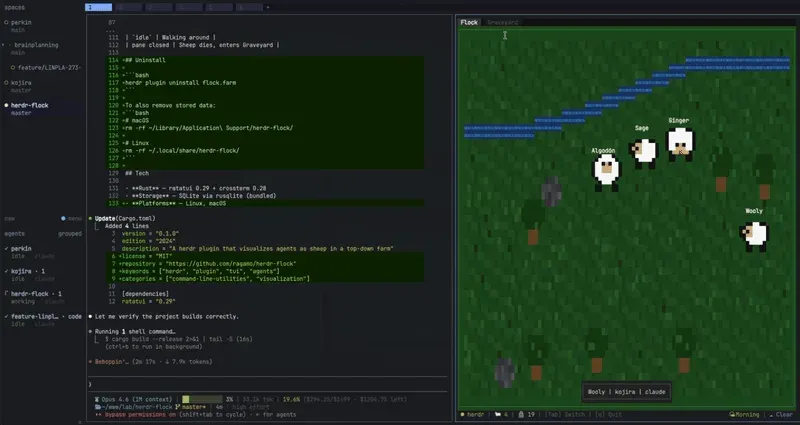
For 24/7 always-on agents, a 2-4 GB Hetzner Cloud or Hostinger VPS at 4-8 EUR/month is plenty (see 2026 VPS pricing shifts). Also check two fun extras outside the top ten: robbyrussell/herdr-ohmyzsh (companion to Oh My Zsh plugins) and ragamo/herdr-flock (pixel sheep in a pane).
How to vet a Herdr plugin in 5 minutes
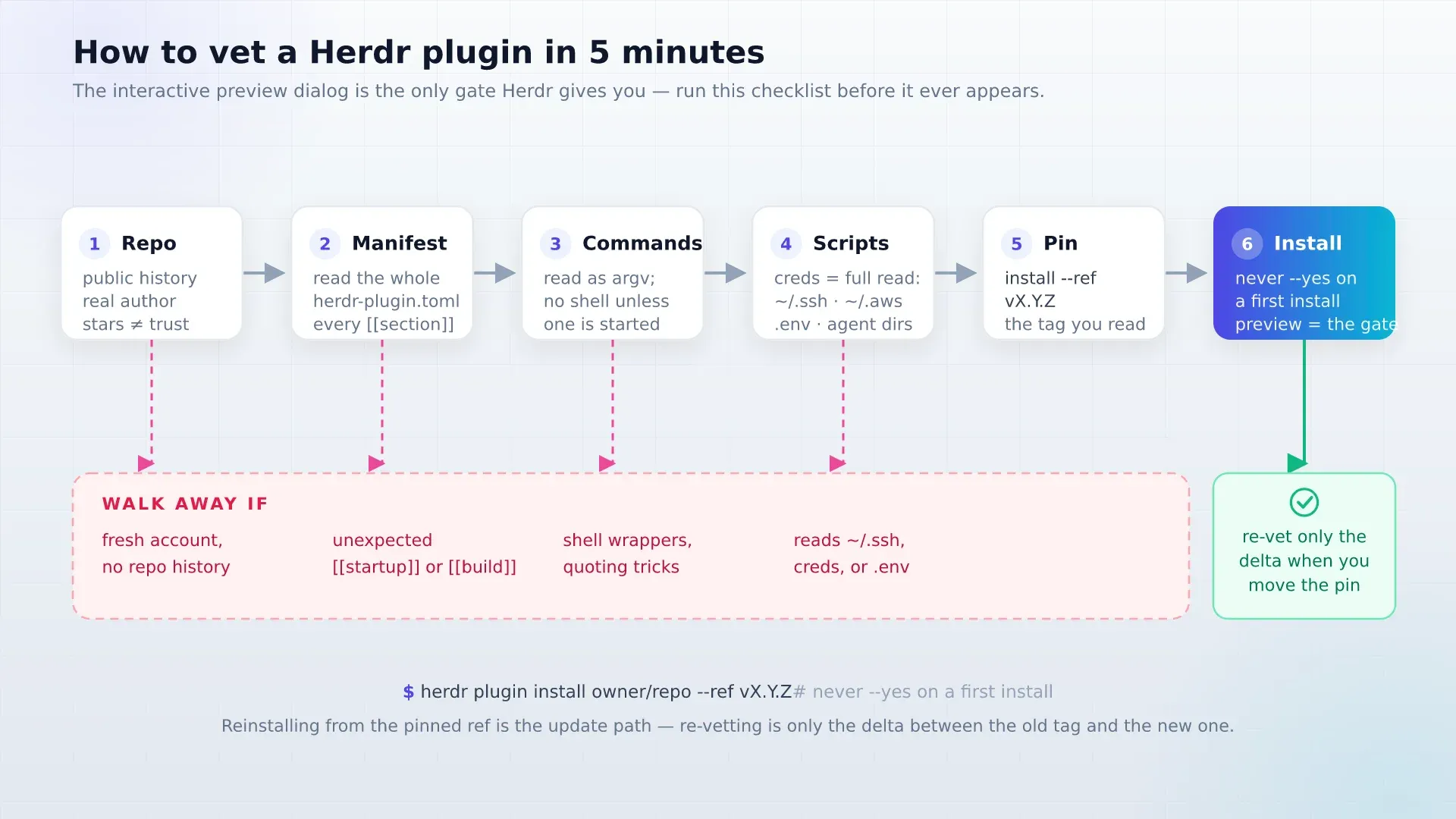
- Read
herdr-plugin.tomlfirst, checking every[[build]],[[startup]], and[[actions]]command array. - Distrust shell wrappers (
[“bash”, “-c”, “…”]) and skim scripts for access to/.ssh,/.aws.envfiles. - Check repository history and license (avoid
NOASSERTIONrepos for commercial work). - Pin the tag you reviewed (
–ref vX.Y.Z) and never pass–yeson a first install. - Before exposing any remote relay plugin, follow server firewall hardening and use Tailscale instead of open ports.
Frequently asked questions
How do I update Herdr plugins now?
On Herdr TUI v0.9.4 and newer, run herdr plugin update to update all GitHub-installed plugins or herdr plugin update <name> for a single plugin. Running panes continue cleanly on old files until reopened, no config reload is required, and locally linked plugins are skipped.
Do Herdr TUI plugins work in the Herdr Desktop App?
No. TUI plugins (herdr-plugin) extend the herdr terminal multiplexer. The official herdr-app desktop app runs on herdr-core and uses QuickJS mods (herdr-mod) and JSON layouts (herdr-layout) from herdr.dev/gallery/.
Are Herdr plugins safe to install?
They run unsandboxed with your user permissions and the marketplace at herdr.dev/tui/plugins is unreviewed. Always inspect herdr-plugin.toml, check for credential/network access, and pin a reviewed ref.
What is the difference between a Herdr plugin and an Agent Skill?
Plugins extend the Herdr terminal runtime (panes, events, keybindings). Agent skills extend the LLM’s instructions and workflow context. See Agent Skills compared for the skill layer.
Minimal recommended stack
Skip installing twenty plugins on day one. Start with persiyanov/herdr-reviewr, kryptamine/herdr-auto-title, and cloudmanic/herdr-plus, verify them with herdr plugin list --json, and add zoetrope or herdr-agent-usage only when you need live session graphs or token spend tracking.
Did this guide work for you?
Related Posts


Written by Dragos
DevOps engineer with 10+ years in IT. I write these guides while doing the installs in my Proxmox home lab and on real VPSes.
Need help with Astro, VPS, or a self-hosted app? View services →