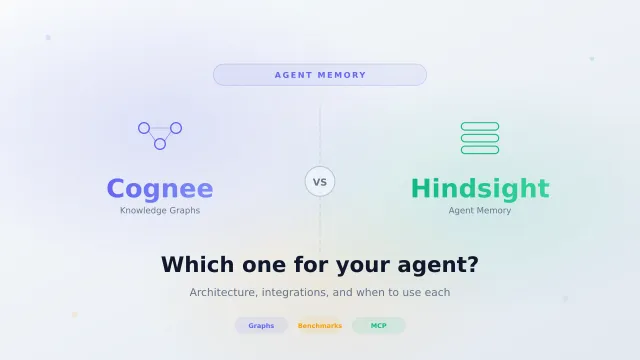
Cognee vs Hindsight: Which Agent Memory System Should You Self-Host?
Compare Cognee and Hindsight for AI agent memory. Architecture, retrieval strategies, integrations, benchmark performance, and when to use each one.
Dragos

Page 5 of 10 — 100 guides in this category
Compare Cognee and Hindsight for AI agent memory. Architecture, retrieval strategies, integrations, benchmark performance, and when to use each one.
Deploy Hindsight with Docker Compose and pgvector, then configure Retain, Observations and Reflect missions, run it on OpenCode Go, connect coding agents like…
Clone your voice from 15 seconds of audio on Fish Audio's free tier. Step-by-step with recording tips, emotion tags, screenshots, and mistakes that ruined my…
I put Fish Audio's free plan to work: cloned my voice from a 15s clip, tested S2.1 Pro against ElevenLabs, emotion tags and 83 languages. Honest verdict inside.
Six months on ElevenLabs, then Fish Audio. Side-by-side on English quality, cloning (15s vs 60s), 83 languages, emotion tags, and real monthly cost.
Side-by-side Fish Audio vs MiniMax on cloning, English vs Chinese quality, pricing, and free API. I ran the same YouTube scripts through both.
TinyFish gives you free web search, free page fetching, and AI browser agents that handle login flows Firecrawl can't.
A step-by-step guide to building a lean AI assistant with the Mastra framework: file tools, shell, live web search, browser automation, and persistent memory.
A beginner-friendly guide to Vercel Eve. Scaffold a durable AI agent as plain files, add a tool, connect it to Slack and Discord, swap in open source models…
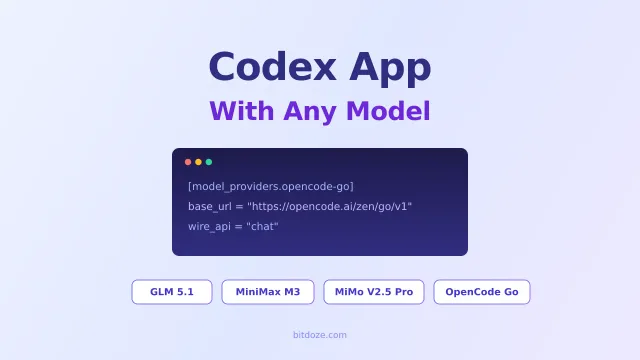
The Codex app works with more than OpenAI models. Point it at GLM 5.2, MiniMax M3, MiMo V2.5 Pro, or OpenCode Go with a few lines of config.toml and keep…